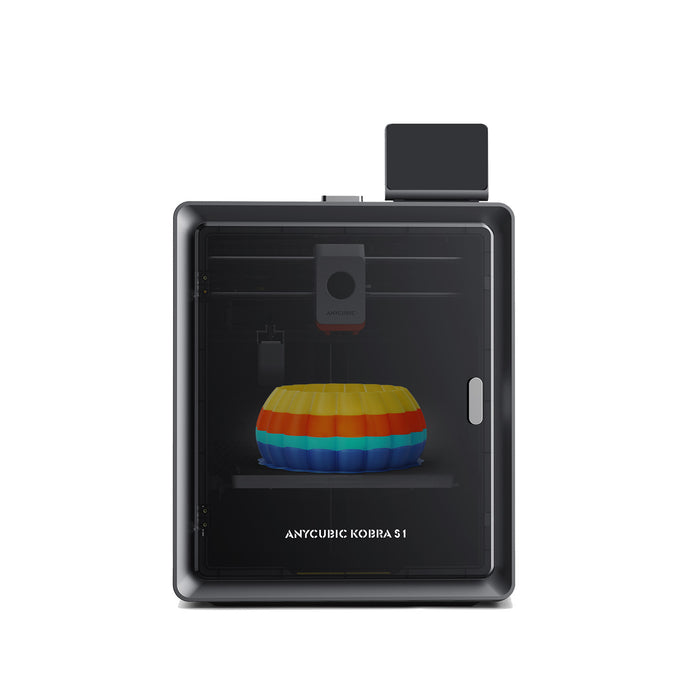
ACE Pro Compatibility Upgrade Kit Bundle
Regular price
$308.00
Sale price
$308.00
Regular price
Unit price
per
for bulk saleCouldn't load pickup availability
Note:
Please ensure the ACE Pro model matches your 3D printer model before purchase.

Estimated Shipping Time
ACE Pro For Kobra 3
Ships in 24 hours


Payment Methods

Delivery Method


Regular price
$308.00
Sale price
$308.00
Regular price
Why Choose Anycubic ACE Pro
-

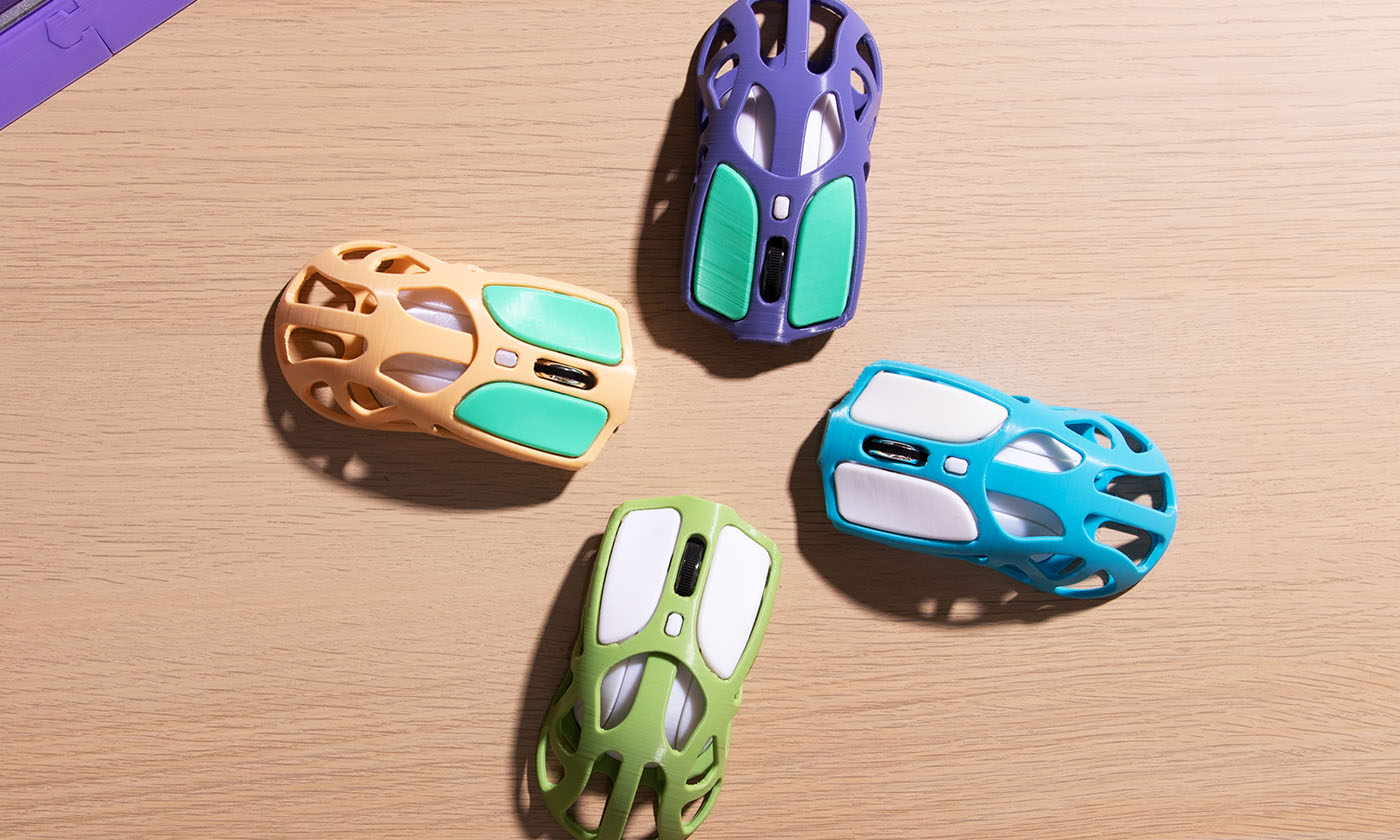
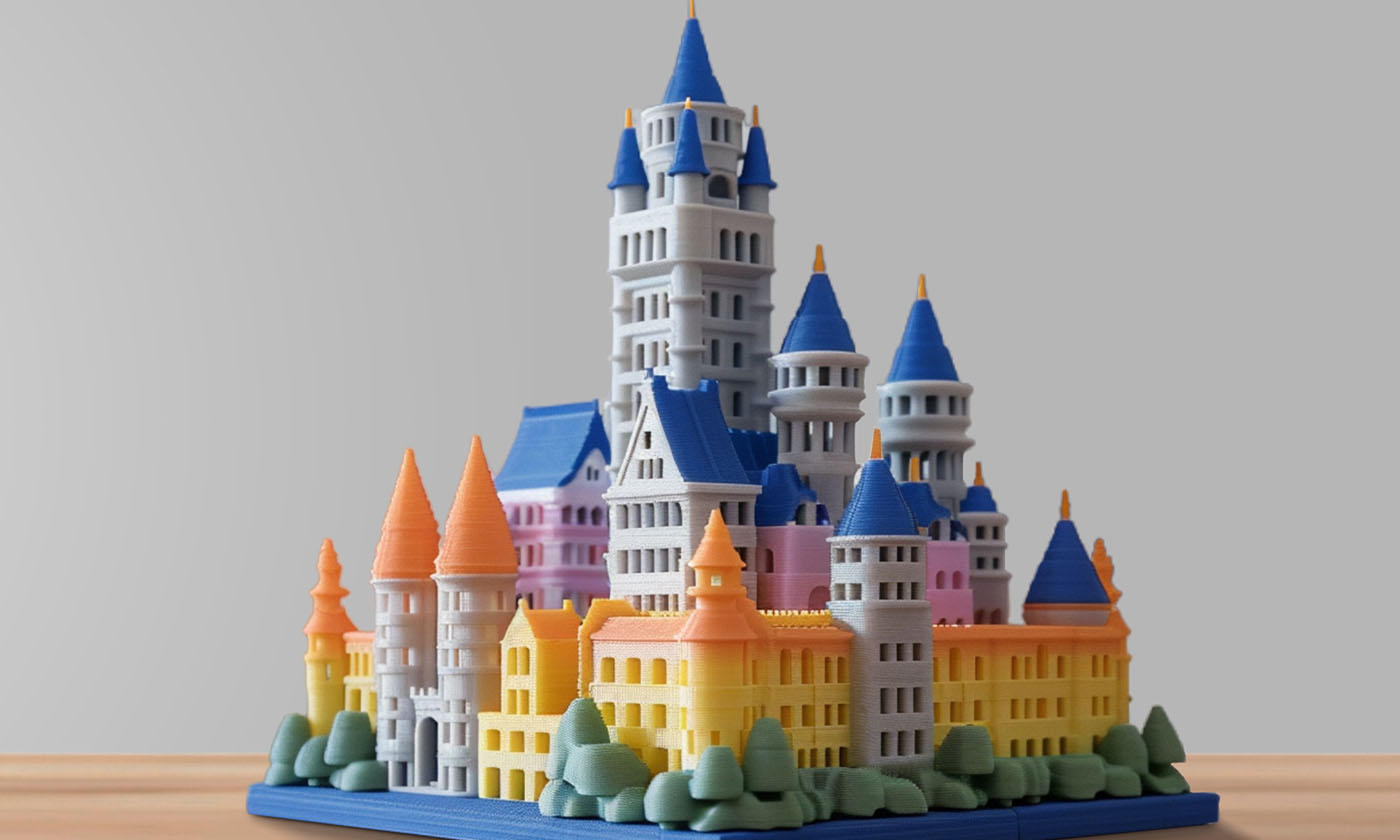
Smart Multi-Color Printing - Print in 4 to 8 Colors
-

Dries while it Prints in Multi-Color
-

Filament Backup
-

Nozzle Clog Detection, Minimizes Filament Tangling
-

Filament Drying at all Times
-

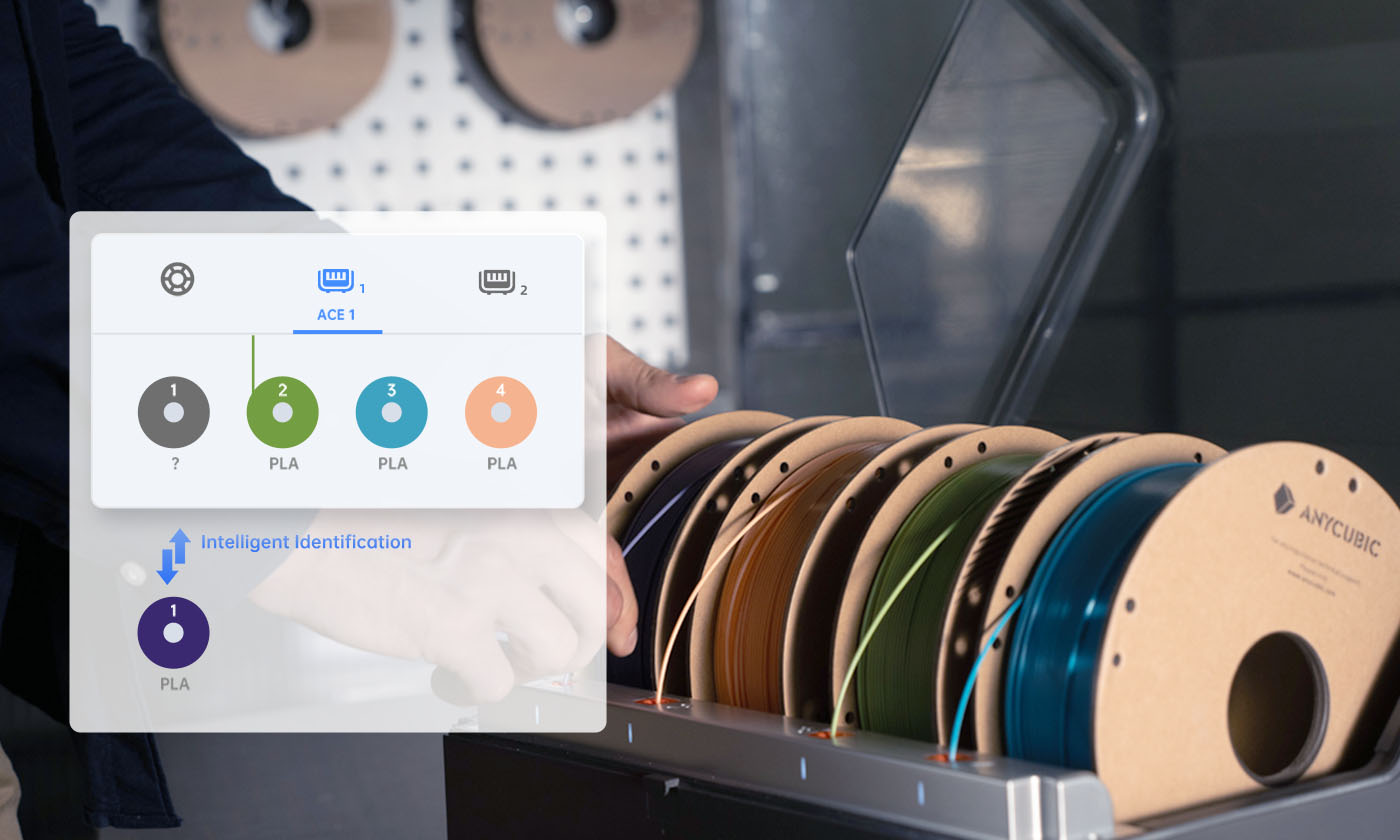
Intelligent Identification Filament Sync


A New Level of Multi-Color Printing



Staying Dry for All Applications
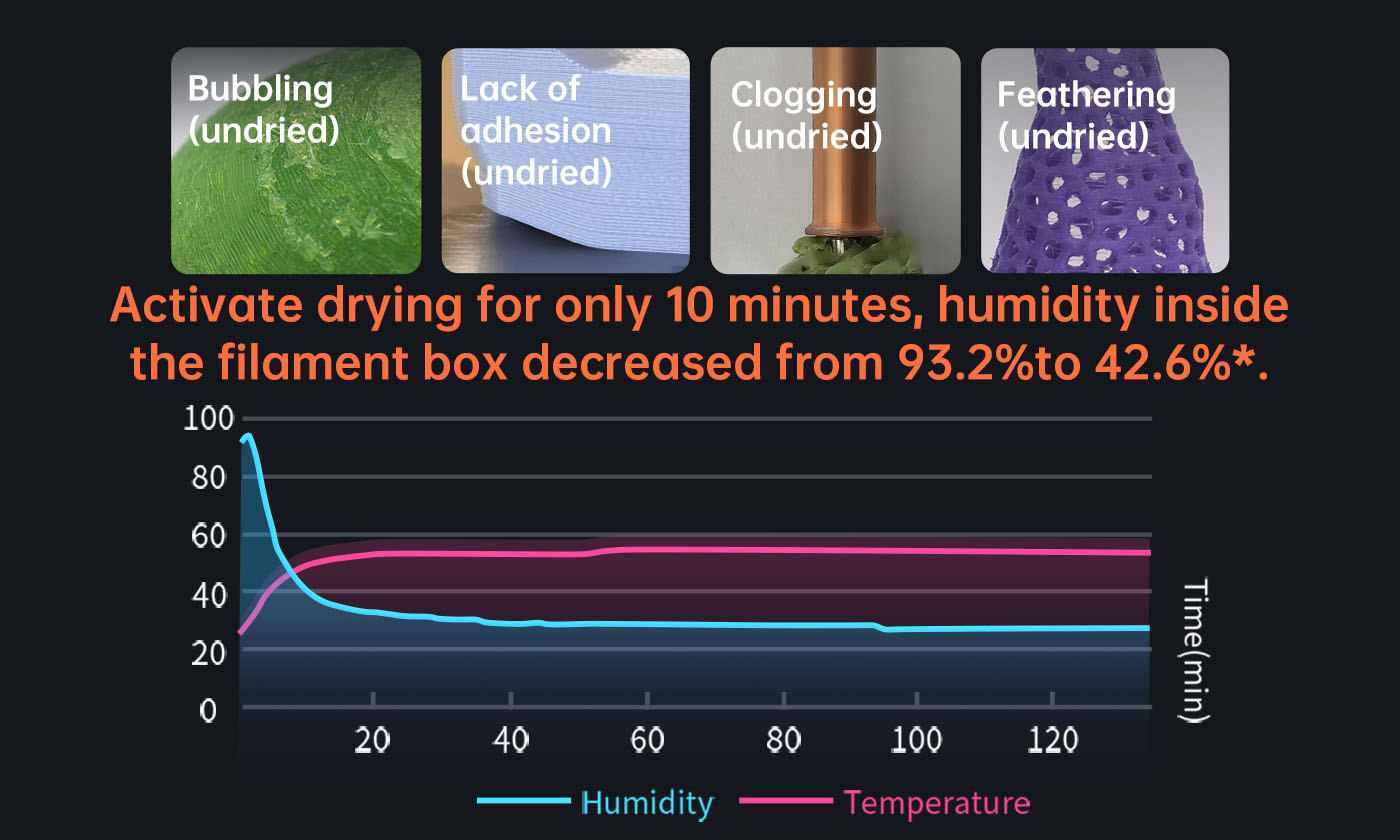

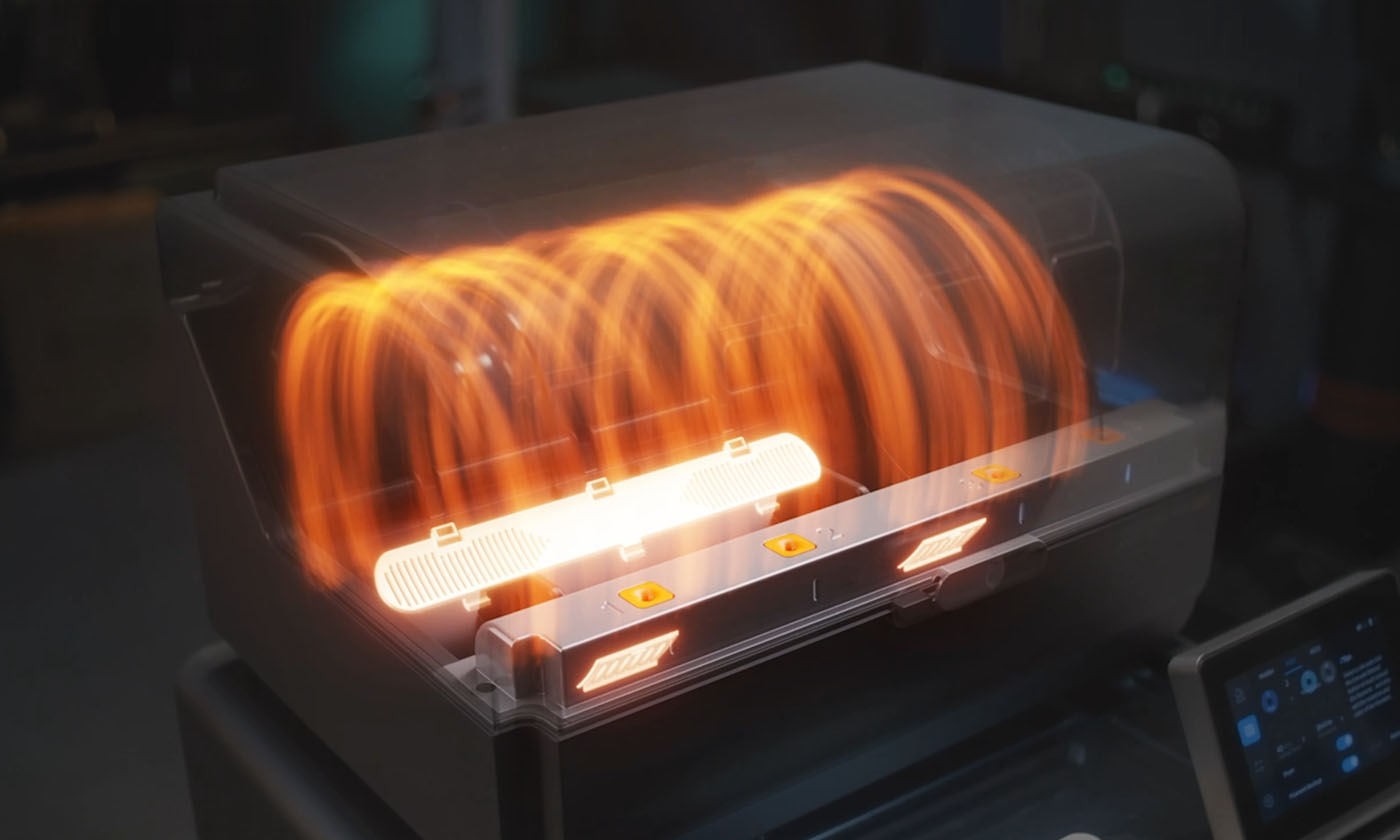


Active heating to improve model quality*③.
Maximum 24h drying while printing.
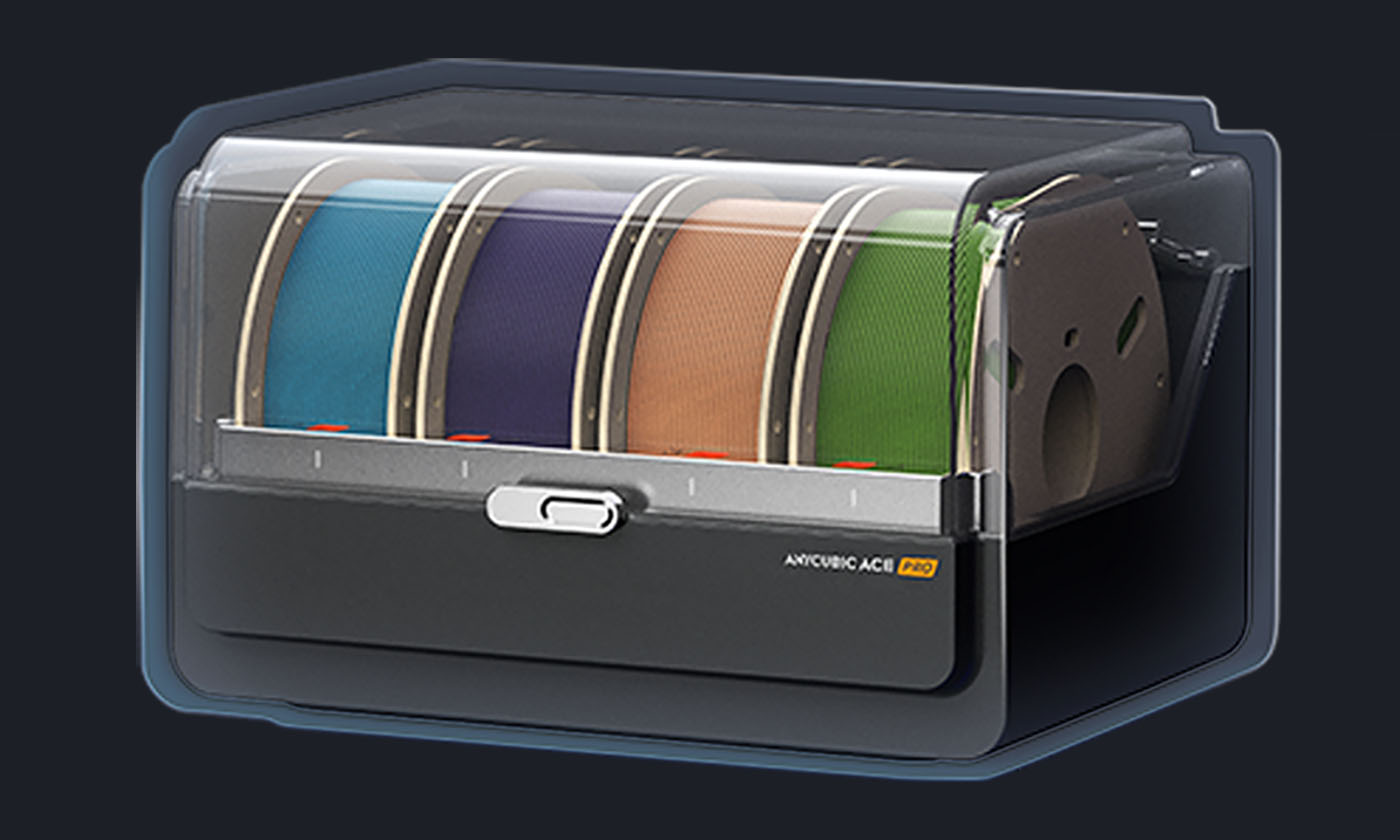
Optimal Storage.
Intelligent Printing, Revolutionary Performance
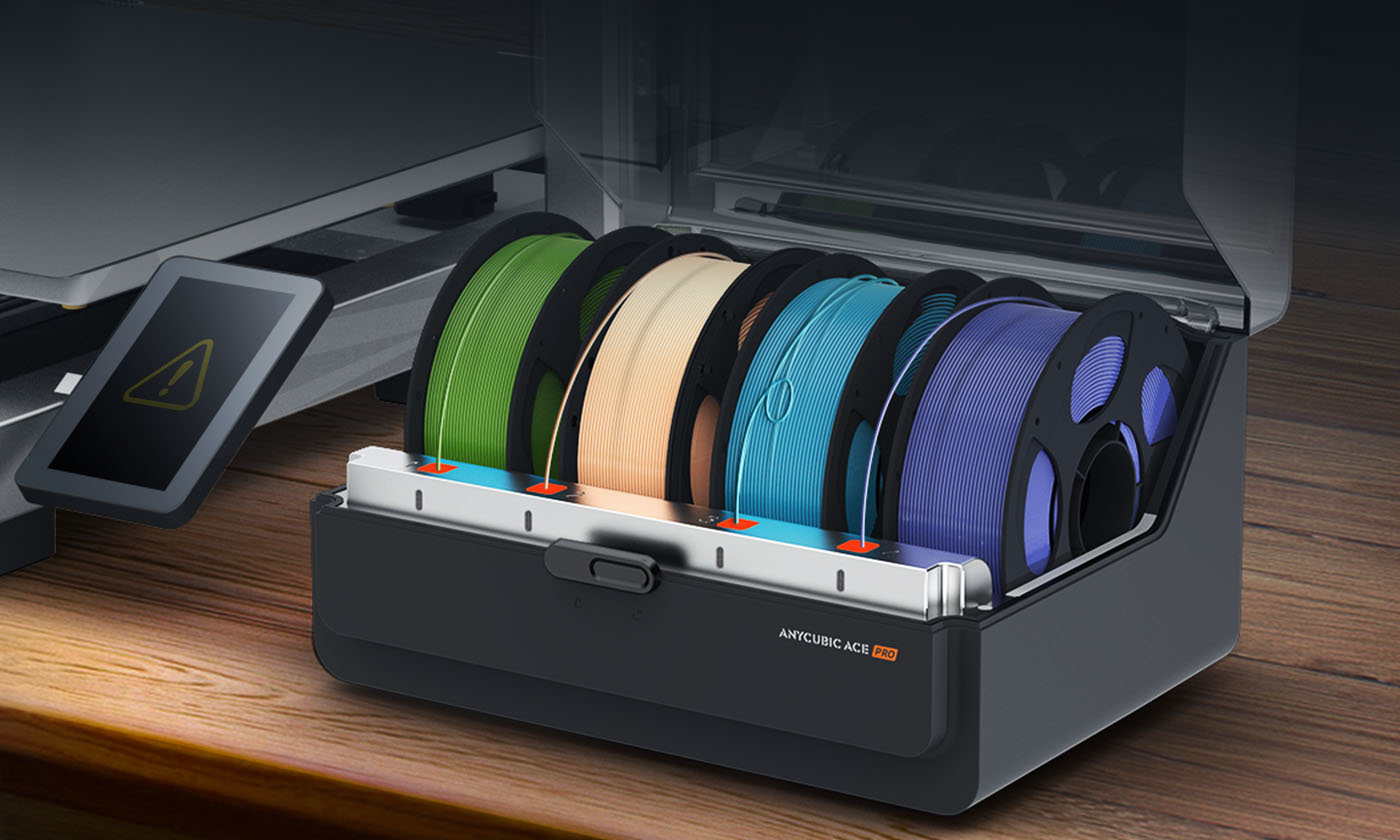

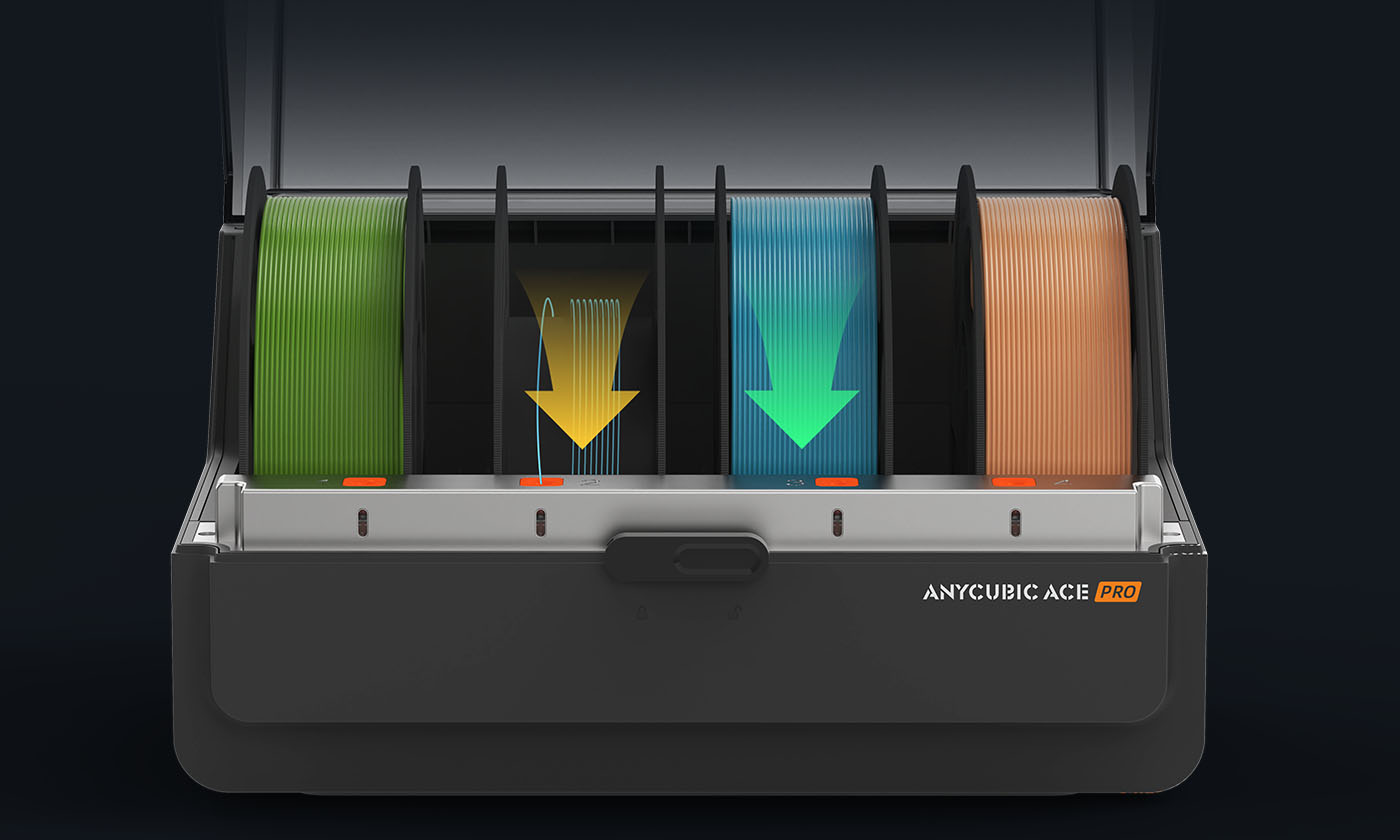

Smart filament entanglement detection.
Filament auto-refill.
Specifications
What's In Box


4-in-1 Filament Hub (1pcs)


M3*7(2pcs)


Signal Cable(1pcs)


Cable Organizer(4pcs)


Filament Tube(4pcs)


Power Cord(1pcs)
FAQs
What do the ①②③ annotations in the product details mean?
What do the ①②③ annotations in the product details mean?
Does ACE Pro support PLA Matte?
Does ACE Pro support PLA Matte?
How can I print in 8 colors?
How can I print in 8 colors?
Can the ACE Pro be used with filaments without intelligent identification chip?
Can the ACE Pro be used with filaments without intelligent identification chip?
Can the ACE Pro be installed on either the left or right side of the Kobra 3?
Can the ACE Pro be installed on either the left or right side of the Kobra 3?
Can the ACE Pro run standalone to dry without control from Kobra 3?
Can the ACE Pro run standalone to dry without control from Kobra 3?
Related Materials
-
 TopPLA Basic
- White (#EFF0F1)
- Black (#212721)
- Texture Grey (#75787B)
- Red (#CE3845)
- Texture Red
- Beige (#D4B996)
- Mia Pink (#FAD6C6)
- Mia White (#F1E9E0)
- Blue (#003594)
- Tropical Turquoise
- Yellow (#F3E500)
- Spring Leaf
- Green (#009639)
- Olive Green
- Orange (#FF7F32)
- Clear
- Purple (#6A6DCD)
- Cyan (#23A3C7)
- Interstellar Violet
- Brown (#927968)
- Grey (#B1B3B3)
- Light Grey (#DAD9DB)
- Blue Grey (#768692)
- Pink (#FF8DA1)
- Magenta (#CF4F80)
- Bronze (#7C4D3A)
- Texture Silver (#8A8D8F)
- Gold (#FFB81C)
- Peach Pink (#FFC196)
Nozzle≥0.2 mmDry before PrintingRecommendedPrinting Temp.190-230 ℃Hotbed Temp.55-65 ℃ -
TopPETG Filament
- Black (#212721)
- White (#EFF0F1)
- Red (#C8102E)
- Blue (#003594)
- Forest Green (#43523B)
- Texture Grey (#75787B)
- Clear
- Orange (#FF7F32)
- Yellow (#F3E500)
- Grey (#97999B)
- Dark Grey (#7E868A)
- Lake Blue (#0084D4)
- Purple (#6A6DCD)
- Green (#009639)
- Beige (#D4B996)
- Brown (#927968)
- Peanut Brown (#A9754F)
- Texture Silver (#8A8D8F)
- Translucent Blue (#69B3E7)
- Pink (#FB637E)
- Cream (#F9DFB9)
- Translucent Grey (#6A6C6E)
- Translucent Purple (#D7A9E3)
- Translucent Brown (#CDA077)
- Translucent Pink (#F8C1B8)
- Translucent Green (#7CE0D3)
- Translucent Olive (#78874D)
- Translucent Orange (#FF8F1C)
- Lime Green (#78D64B)
Nozzle≥0.2 mmDry before PrintingRequiredPrinting Temp.230-250 ℃Hotbed Temp.60-70 ℃ -
Nozzle≥0.2 mmDry before PrintingRequiredPrinting Temp.230-250 ℃Hotbed Temp.60-70 ℃
-
TopPLA Basic Refill
- Black (#212721)
- Texture Grey (#75787B)
- White (#EFF0F1)
- Red (#CE3845)
- Blue (#003594)
- Green (#009639)
- Brown (#927968)
- Orange (#FF7F32)
- Purple (#6A6DCD)
- Beige (#D4B996)
- Yellow (#F3E500)
- Tropical Turquoise (#009CBD)
- Spring Leaf (#89A84F)
- Magenta (#CF4F80)
- Pink (#FF8DA1)
- Cyan (#23A3C7)
- Peach Pink (#FFC196)
- Interstellar Violet (#5B618F)
- Texture Silver (#8A8D8F)
- Clear
- Grey (#B1B3B3)
Nozzle≥0.2 mmDry before PrintingRecommendedPrinting Temp.190-230 ℃Hotbed Temp.55-65 ℃ -
TopPLA+
- Black (#212721)
- White (#EFF0F1)
- Bright Red (#E10600)
- Brown (#927968)
- Grey (#B1B3B3)
- Texture Silver (#8A8D8F)
- Blue (#003594)
- Texture Grey (#75787B)
- Beige (#D4B996)
- Yellow (#F3E500)
- Tropical Turquoise (#009CBD)
- Orange (#FF7F32)
- Green (#009639)
- Green Flash (#75CB5D)
- Pink (#FF8DA1)
- Purple (#6A6DCD)
- Red (#C8102E)
- Spring Leaf (#89A84F)
- Interstellar Violet (#5B618F)
- Peach Pink (#FFC196)
Nozzle≥0.2 mmDry before PrintingRecommendedPrinting Temp.190-230 ℃Hotbed Temp.55-65 ℃ -
NewNozzle≥0.4mmDry before PrintingRequiredPrinting Temp.220-240 ℃Hotbed Temp.35-65℃
-
Printing Speed50-600 mm/sDry before PrintingRecommendedPrinting Temp.190-260 ℃Hotbed Temp.55-65 ℃
-
PLA Matte
- Black (#484A49)
- Dark Blue (#375172)
- Latte Brown (#E2C6A5)
- White (#F1F0ED)
- Desert Tan (#DCCAA9)
- Dark Green (#68724D)
- Nardo Grey (#898B8E)
- Bone White (#EFEDE3)
- Dark Brown (#A38E80)
- Red (#DF484F)
- Chocolate Brown (#746759)
- Orange (#FF9351)
- Green (#71C973)
- Caramel (#C4A981)
- Yellow (#FFE17F)
- Sky Blue (#7ECCEE)
- Apple Green (#B9E972)
- Blue (#1366A0)
- Purple (#AE96D4)
- Sakura Pink (#F4C1E1)
- Grey (#8E939B)
- Ice Blue (#8AD8ED)
Nozzle≥0.2 mmDry before PrintingRecommendedPrinting Temp.190-230 ℃Hotbed Temp.60-65 ℃ -
NewNozzle≥0.4 mmDry before PrintingRecommendedPrinting Temp.200-230 ℃Hotbed Temp.55-70 ℃
-
NewNozzle≥0.4 mmDry before PrintingRequiredPrinting Temp.210-250 ℃Hotbed Temp.35-60 ℃
-
NewNozzleHardened Steel Nozzle ≥0.4mmDry before PrintingRequiredPrinting Temp.240-270 °CHotbed Temp.65-70 ℃


Related Printers
-
UpgradeIn stockPrint Volume420 × 420 × 500 mm³Print Speed600mm/s (Max.)Nozzle Temp.≤350 °CMulticolor PrintingBase 4 colors | Up to 8 colors
-
NewPrint Volume260*260*260mm³Print Speed600mm/s (Max.)Nozzle Temp.≤300°CMulticolor PrintingNative 4-color | Expandable to 19
-
NewPrinting ColorUp to 16-Color PrintingPrinting Volume350*350*350mm³Print Engineering-Grade Filaments≤350℃ HotendACE 2 Pro Drying65℃ Drying While Printing
-
Print Volume260*260*260mm³Print Speed600mm/s (Max.)NozzleTemp.≤300 °CMulticolor PrintingBase 4 colors | Up to 8 colors
-
Print Volume260*260*260mm³Print Speed600mm/s (Max.)NozzleTemp.≤300 °CMulticolor PrintingRequires ACE 2 Pro
-
EnhancedIn stockPrint Volume250*250*250mmPrint Speed600mm/s (Max.)Nozzle Temp.≤320 °CMulticolor PrintingBase 4 colors | Expandable to 16 colors
-
In StockPrint Volume260*260*260mm³Print Speed600mm/s (Max.)Nozzle Temp.≤300°CMulticolor Printing19-Color Maximum
-
NewPrinting Volume350*350*350mm³Active Chamber Heating65℃NozzleHardened Steel; Max Temp. 350°CHotbed Temp.120°C
-
Printing Speed600mm/s (Max.)Printing Volume250*250*250mm³Hotend≤320°CConstructionCoreXY
-
ClearancePrinting Volume420*420*500mm³Printing Speed600mm/s (Max.)Hotend Temperature≤300°CSupporting FilamentsPLA/PETG/TPU/ASA/ABS
-
NewMachine Dimensions368*291.5*236.5mm³Max. Drying Temp.65℃Power Rating220V: 330W Max; 110V: 235W MaxPrinter CompatibilityKobra X, S1 Max, S1, Kobra 3 Max, Kobra 3 V2, Kobra 3