Kobra 3 Combo Entry-Level 4-Color Bundle
Regular price
$375.00
Sale price
$375.00
Regular price
$801.00
Unit price
per
Couldn't load pickup availability
Note:
1. The type and colors in the printer bundle are random; it may contain duplicate colors. Product images are for reference only.
2. When the Kobra 3 Combo/Kobra 3 is out of stock in your region, we will ship you the upgraded version — the Kobra 3 V2 Combo/ the Kobra 3 V2.
2. When the Kobra 3 Combo/Kobra 3 is out of stock in your region, we will ship you the upgraded version — the Kobra 3 V2 Combo/ the Kobra 3 V2.

Payment Methods

Delivery Method


Regular price
$375.00
Sale price
$375.00
Regular price
$801.00
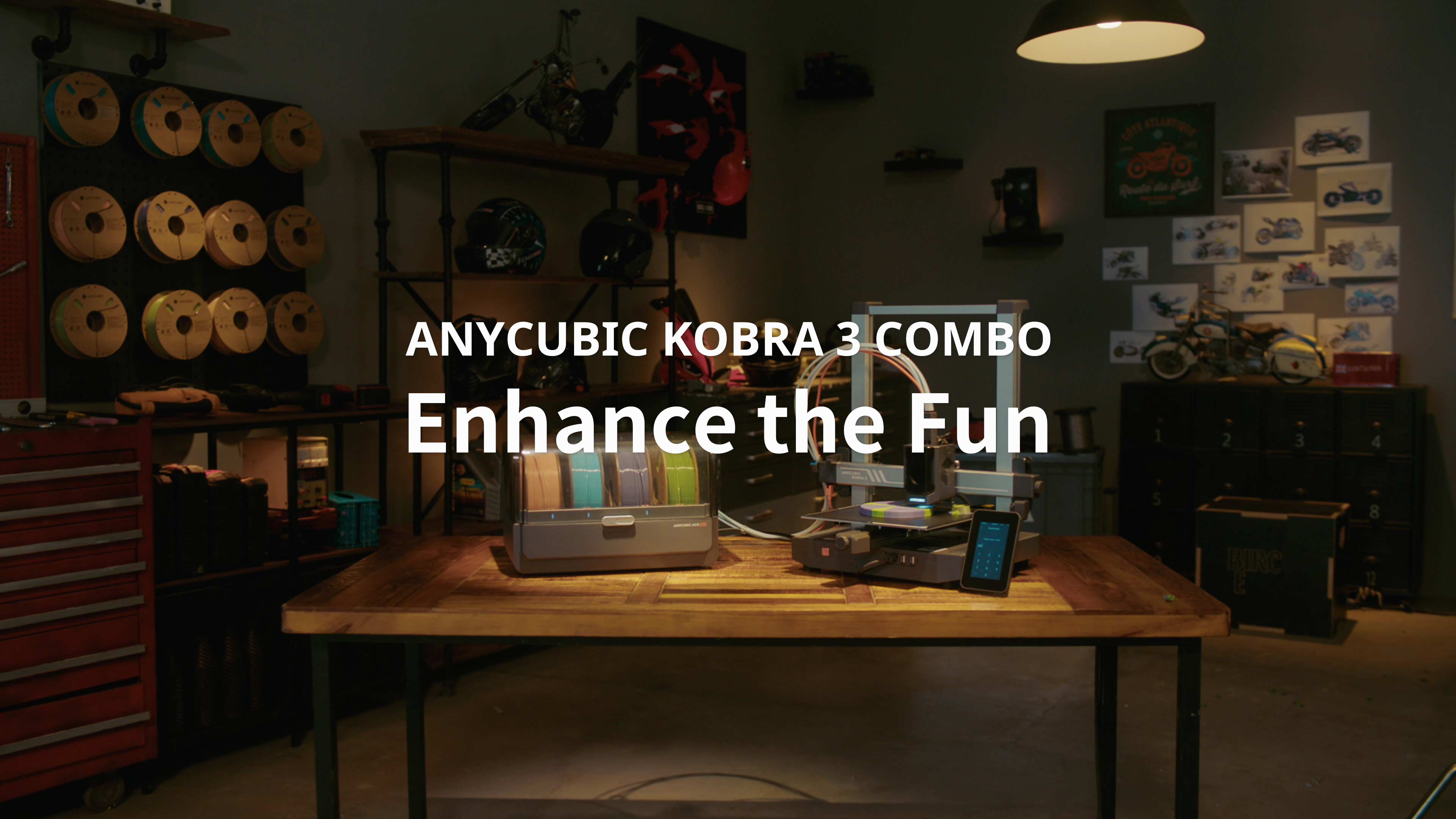


Why Choose Kobra 3 Combo
-

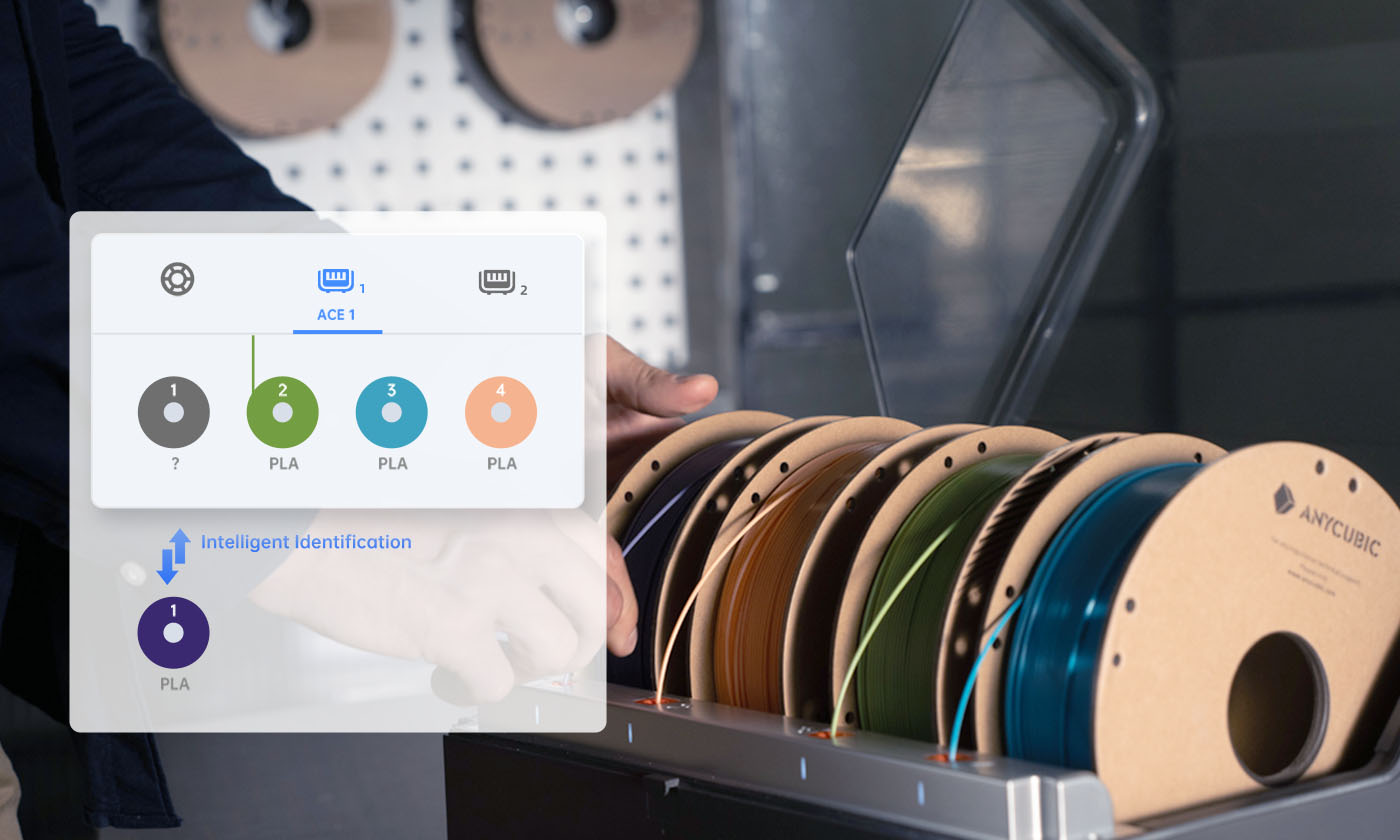
Up to 8-Color Printing
-

Expansive Printing 250*250*260mm
-

Print Fast, Seamlessly
-

Intelligent Printing. Revolutionary Performance
-

LeviQ 3.0 Auto Leveling & Z-Offset
-

Resonance Compensation & Flow Correction


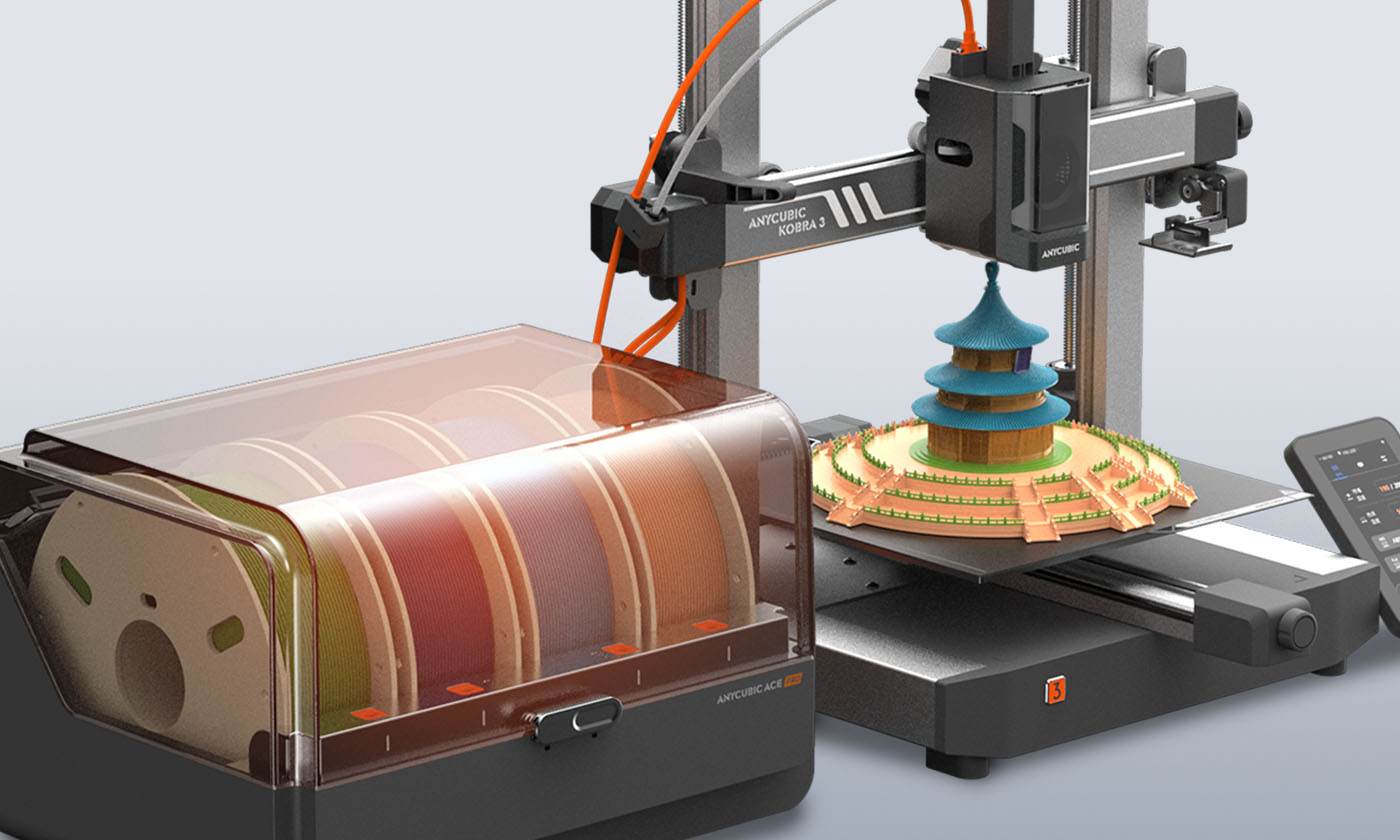
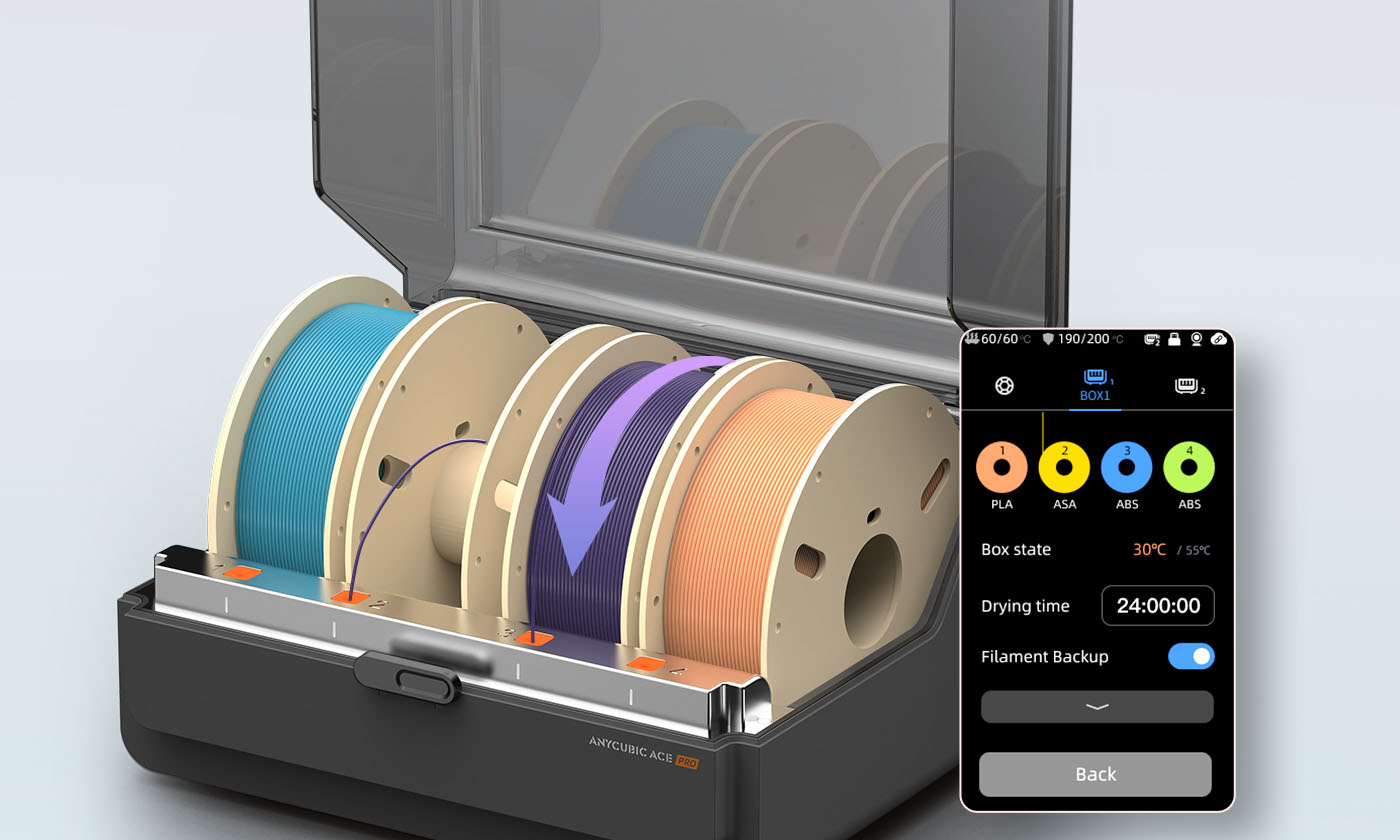
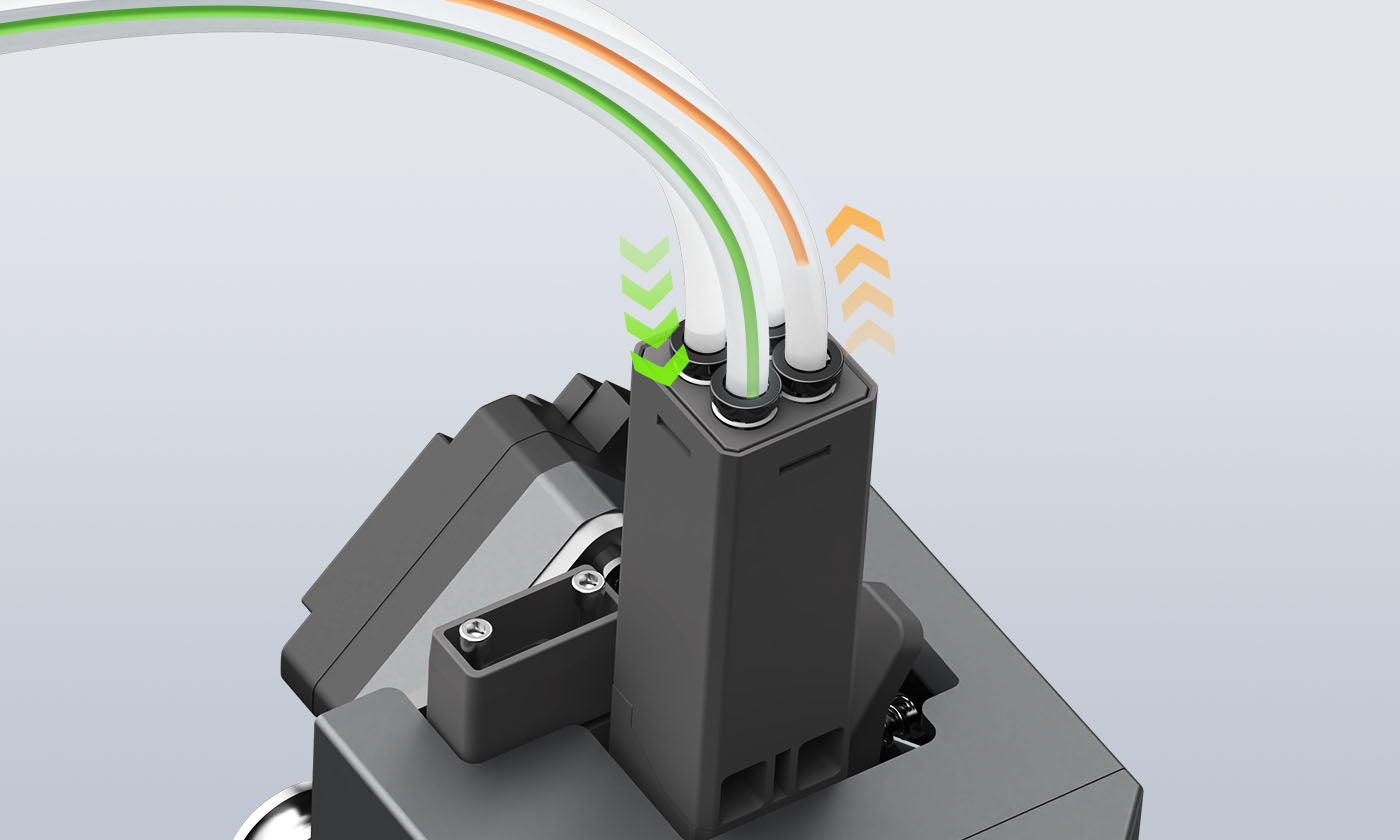
Smart Multi-Color Printing
- Unleash 4-Color Printing
- Print up to 8*① Stunning Colors.






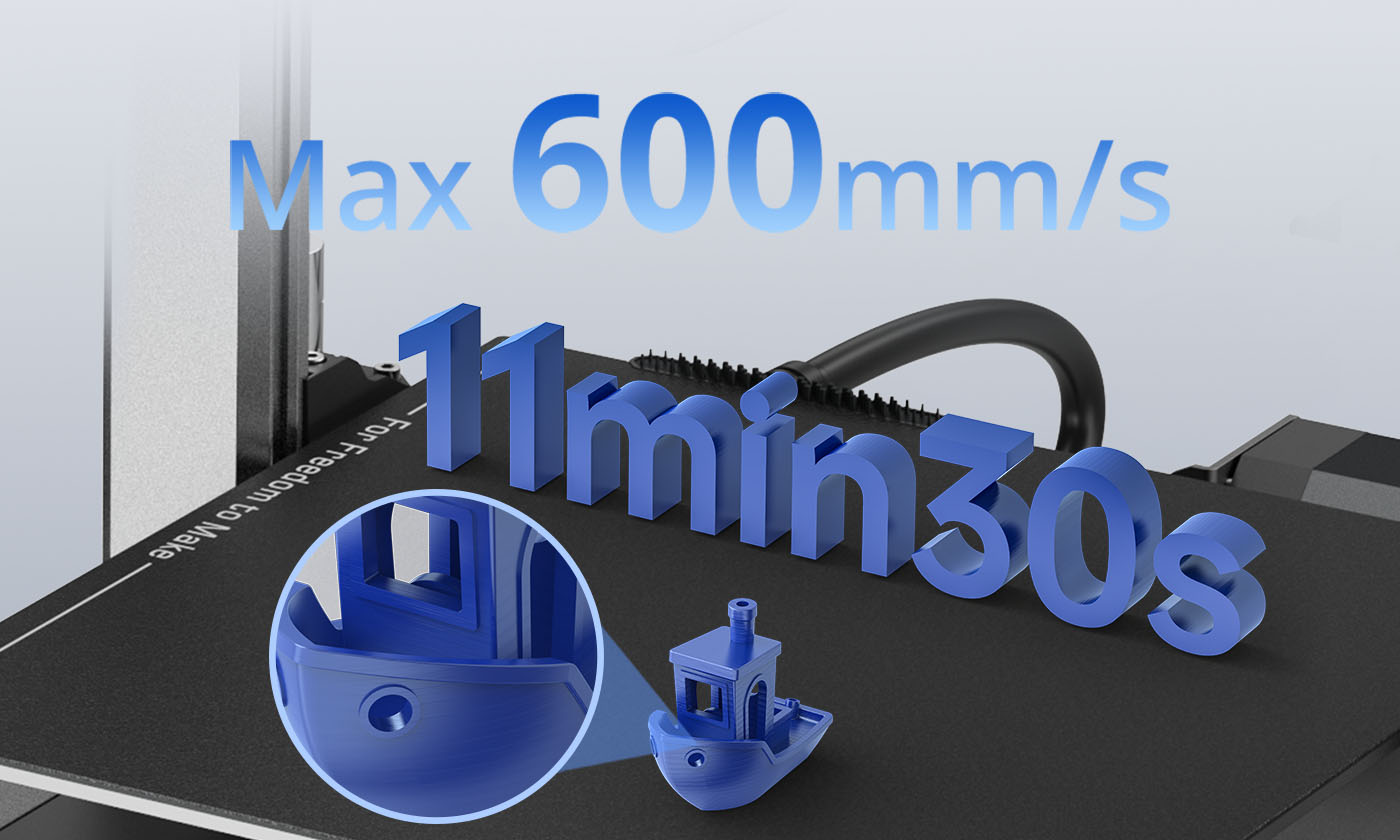
Max 600mm/s, Printing at the Pace of Though
- Optimized configuration, bolstered computational, and superior cooling system
- Complete Benchy in 11min 30s

250*250*260mm, Expansive Printing Space
The Kobra 3 Combo features printing sizes up to 250 x 250 x 260mm, with a maximum printing volume of 4.29 gal (16.25L), increased by a whopping 34% compared to previous 3D printers.
Start. Print. Relax. Ready for All-Skill Levels
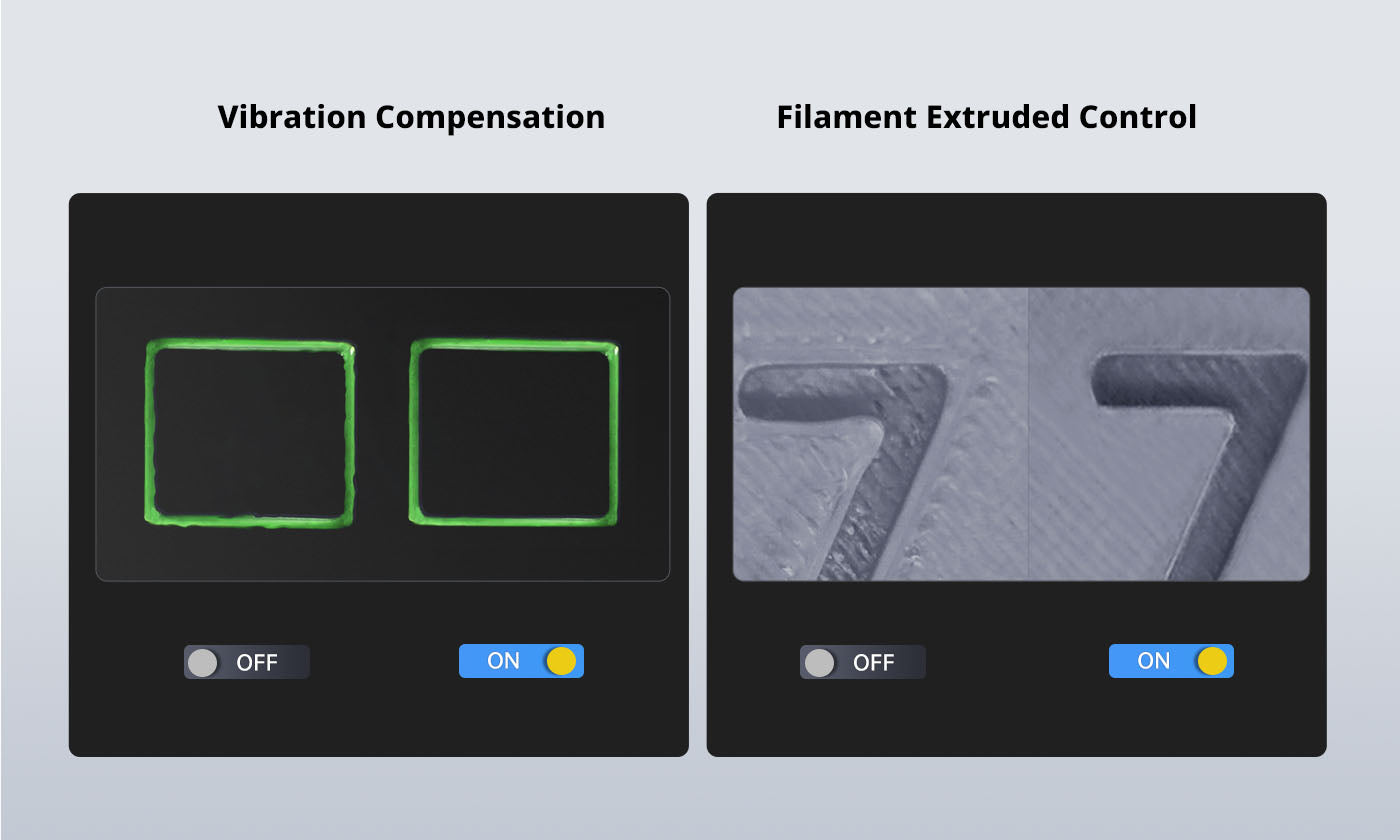




Resonance Compensation & Flow Correction
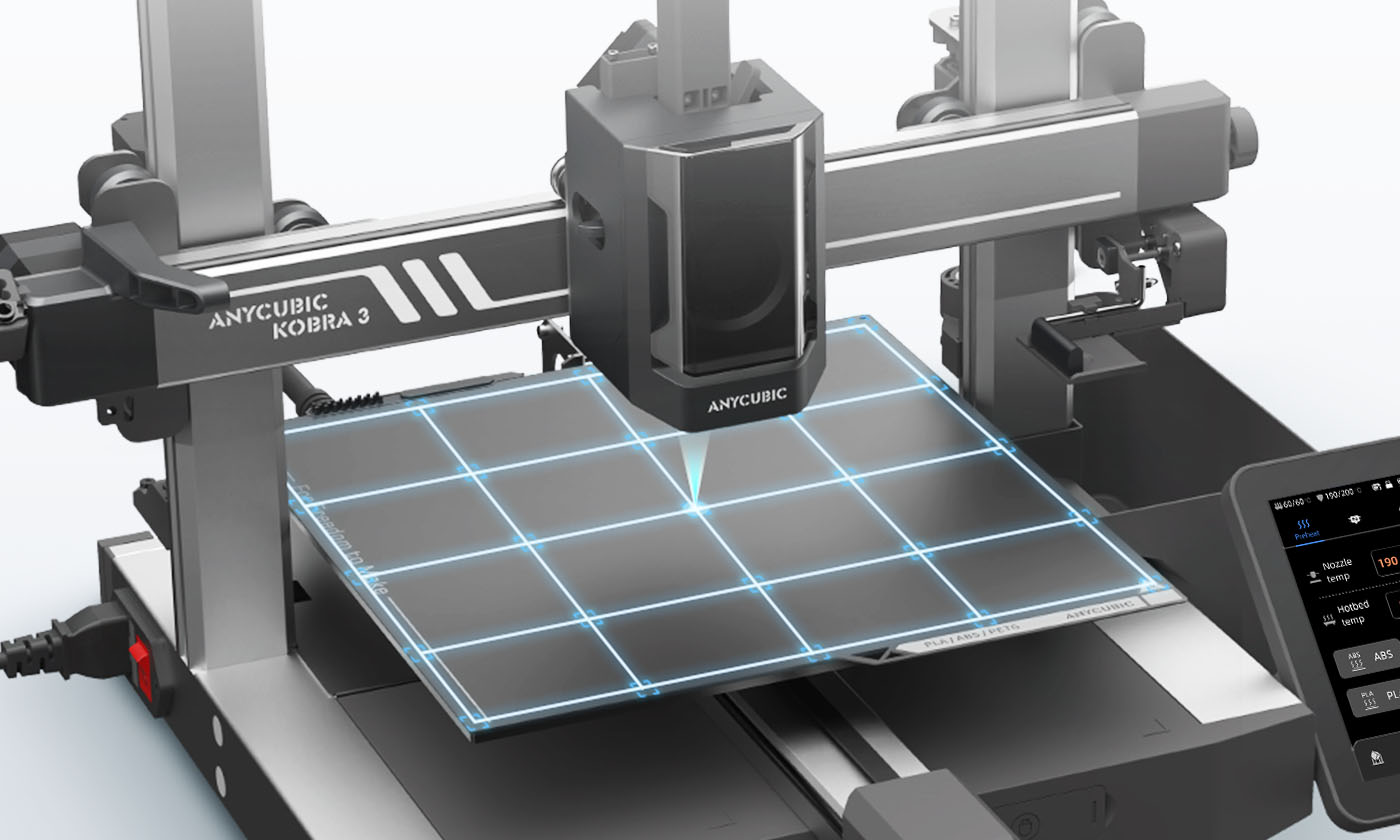
LeviQ3.0 Auto-Leveling & Z-axis Offset
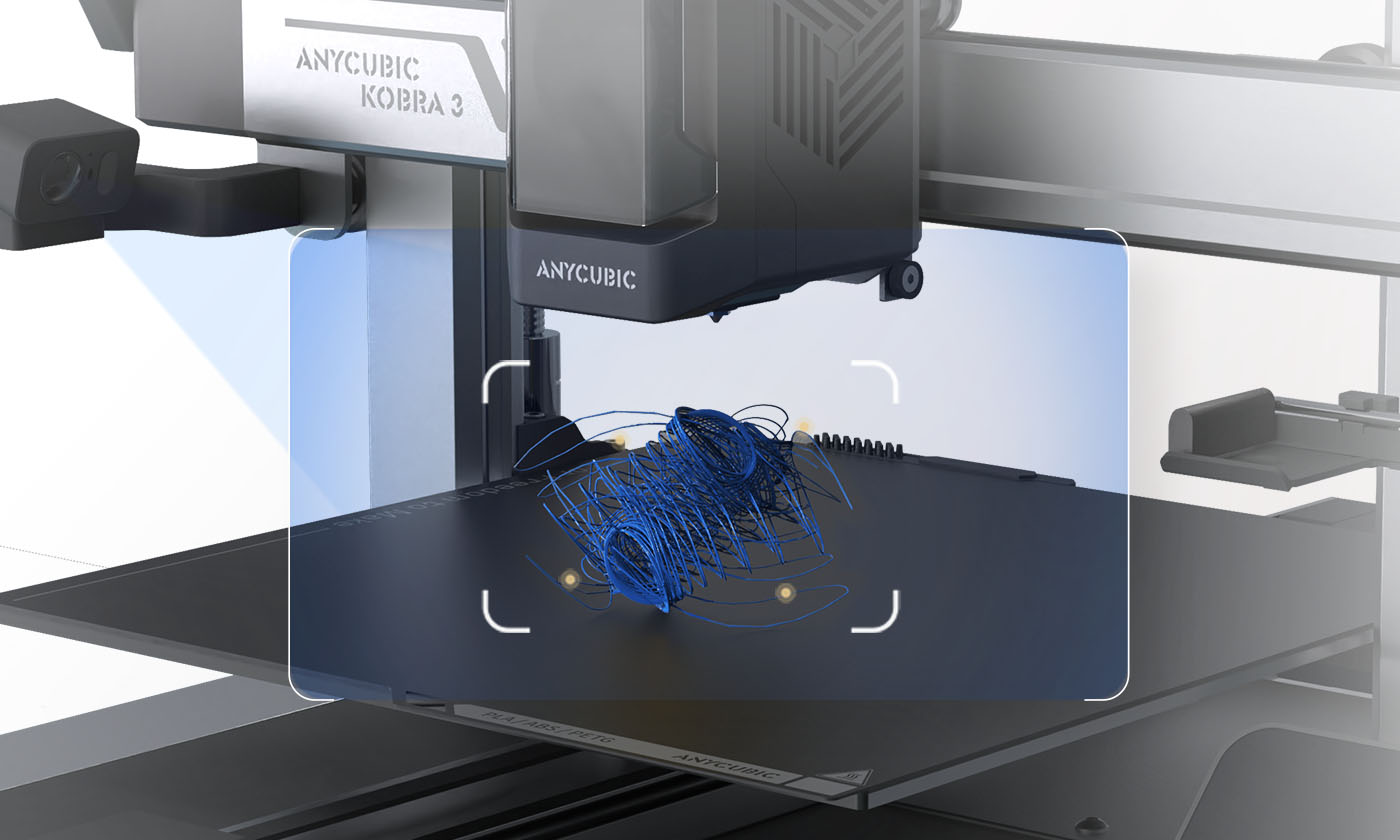
AI Monitoring② & Auto Resume Prints
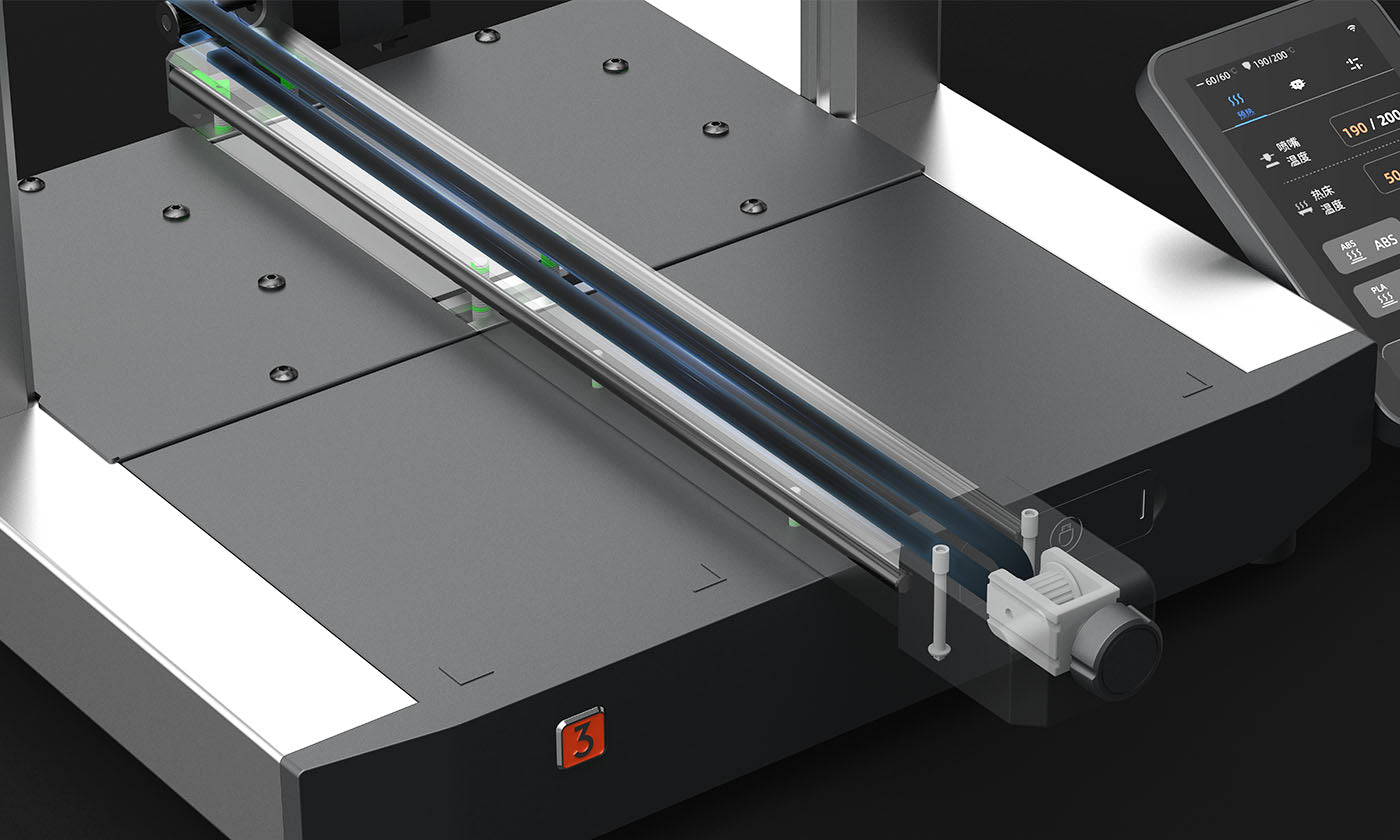
Adjust Belts Conveniently





Easy installation with only two ports connected
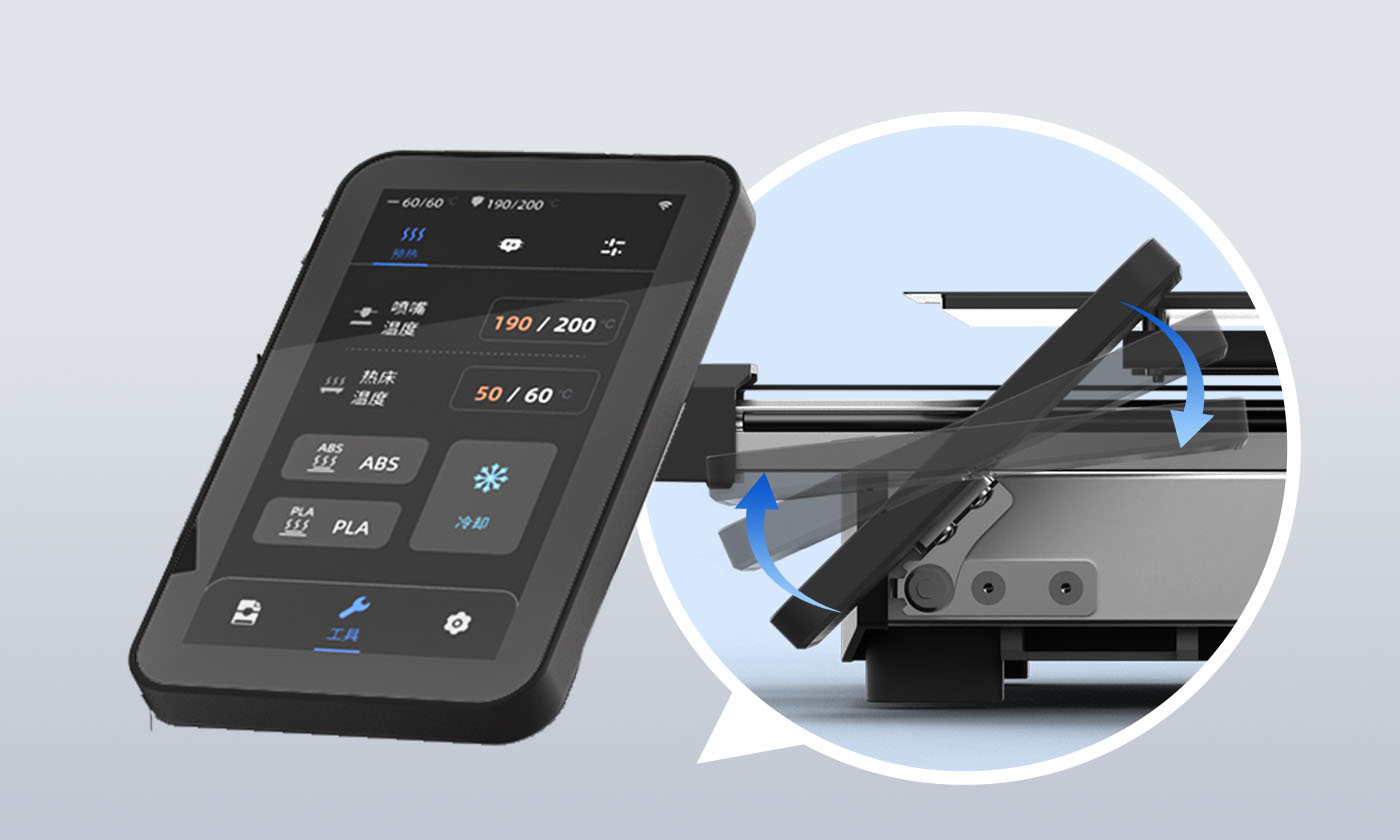
The 4.3-inch touchscreen features a customizable tilt of 30° to 60°
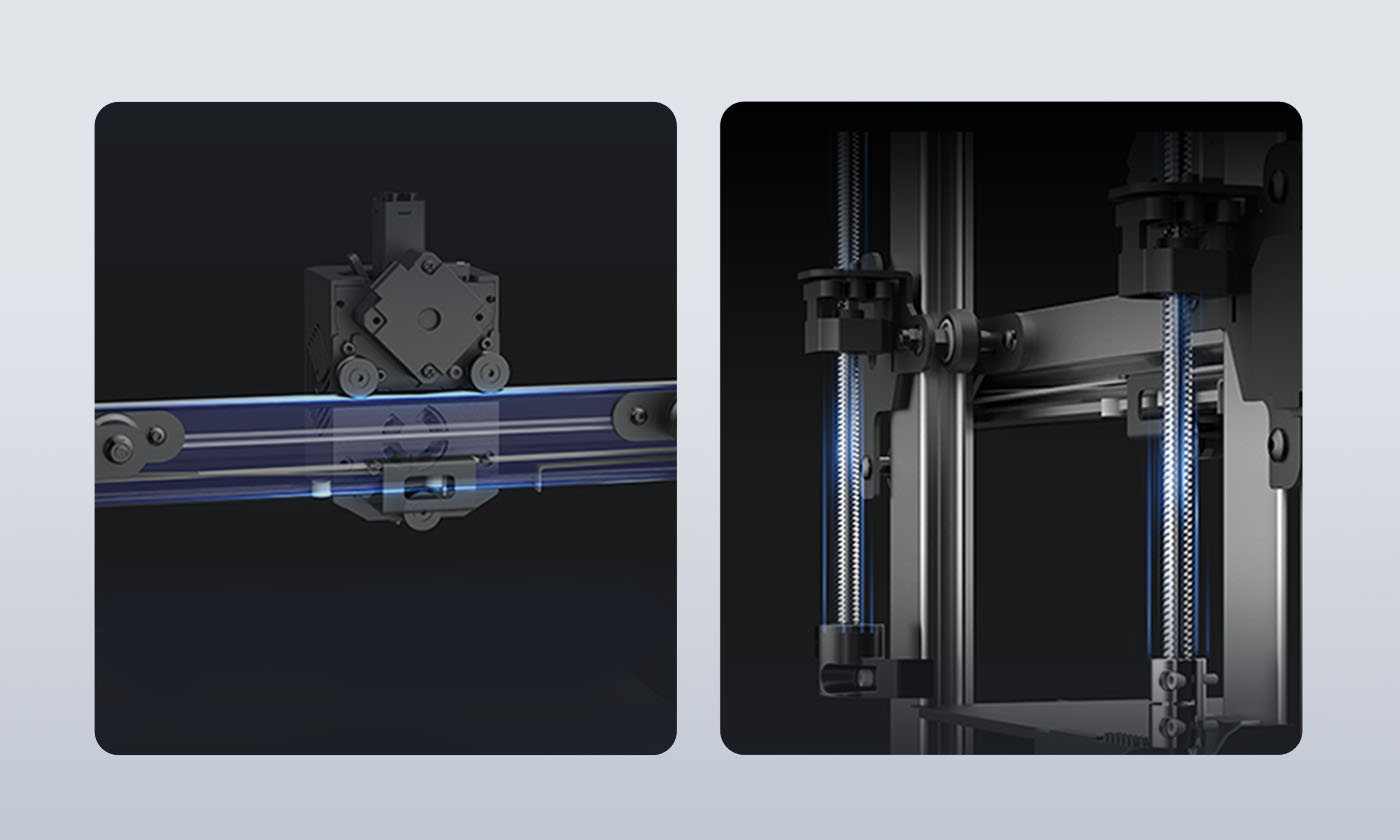
SG15 Bearings and Dual-axis Core and Dual-Z-axis
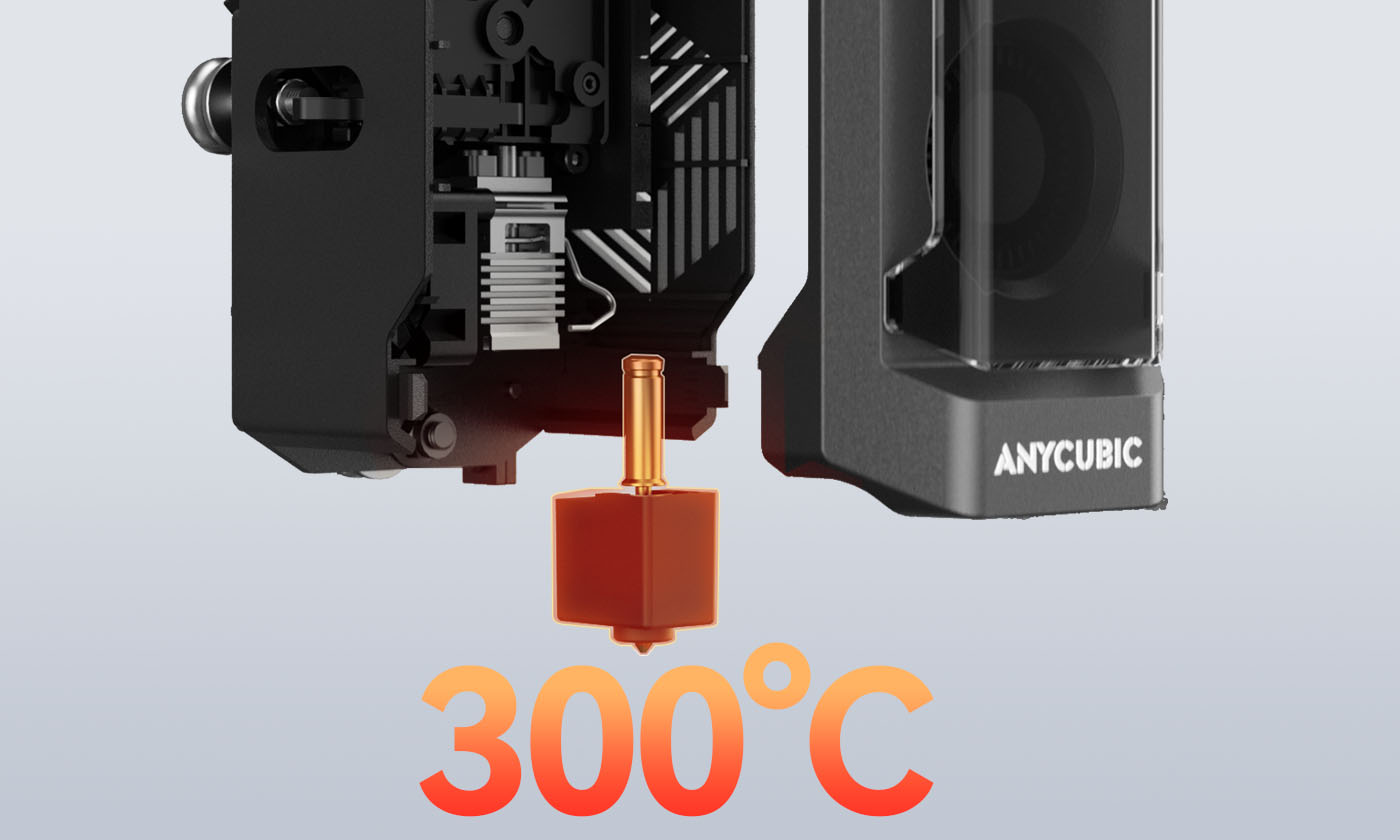
300℃ Quick-release Hotend
The Anycubic Software Ecosystem

Anycubic Slicer Next
Anycubic Slicer Next is built upon the open-source software Orca, tailored and optimized specifically for Anycubic printers. It incorporates advanced algorithms refined from various open-source iterations to elevate slicing precision and enhance the overall print quality of models.
Anycubic App
A mobile app specially designed for Anycubic printers, including remote control, remote monitoring, real-time printing records and other intelligent functions.
Specifications
What's In Box


Kobra 3


Ace Pro


Printhead


Touch Screen


Spool Holder


Cable Holder


Purge wiper


Bag NO.1 M2*14 (2pcs)


Bag NO.2 M3*6 (4pcs)


Bag NO.3 M4*16(2pcs)


Bag NO.4 M3*10(1pcs) M3*8(1pcs)


Signal Cable (1pcs)


Cable Organizer (4pcs)


Filament Tube (5pcs)


Nozzle Cleaner


Test Filament


U-DISK(1pcs)


4.0/3.0/2.5/2.0/1.5


Power Cord (2pcs)


Grease


Wrench(1 set)
User Manuals
FAQs
What do the ①②③ annotations in the product details mean?
What do the ①②③ annotations in the product details mean?
What kind of filament does Kobra 3 support?
What kind of filament does Kobra 3 support?
What kind of slicer is compatible with Kobra 3 Combo? Does the Anycubic slicer support open source? Is Kobra 3 Combo compatible with Prusa slicer, Orca slicer or other slicer?
What kind of slicer is compatible with Kobra 3 Combo? Does the Anycubic slicer support open source? Is Kobra 3 Combo compatible with Prusa slicer, Orca slicer or other slicer?
Can the ACE Pro be used with filaments without Intelligent Identification?
Can the ACE Pro be used with filaments without Intelligent Identification?
Is the ACE Pro compatible with other printers?
Is the ACE Pro compatible with other printers?
How to print in multicolor? Can I print in 4 colors with the Kobra 3 if I don’t have the ACE Pro?
How to print in multicolor? Can I print in 4 colors with the Kobra 3 if I don’t have the ACE Pro?
How can I print in 8 colors?
How can I print in 8 colors?
Can the ACE Pro be installed on either the left or right side of the Kobra 3?
Can the ACE Pro be installed on either the left or right side of the Kobra 3?
Can the ACE Pro operate independently to dry filaments without control from the Kobra 3?
Can the ACE Pro operate independently to dry filaments without control from the Kobra 3?
What type of nozzle does the Kobra 3 use?
What type of nozzle does the Kobra 3 use?
How to install the Camera to the Kobra 3?
How to install the Camera to the Kobra 3?
What language does Kobra 3 support?
What language does Kobra 3 support?
Related Materials
-
 Flash Sale
--: --: --: -- -
Flash Sale
--: --: --: --