Skip to product information
ANYCUBIC-STORE
Free Express Shipping
ANYCUBIC-STORE
14-Day No Reason Return
ANYCUBIC-STORE
30-Day After-Sales Guarantee
ANYCUBIC-STORE
1-Year Warranty For 3D Printers

Kobra 3 Max Combo, 600mm/s Multicolor 3D Printer, 420×420×500mm

Regular price $549.00
Sale price $549.00 Regular price $999.00
Save $450.00
Options: Kobra 3 Max Combo
Shipping To: US
Buy it Now
ANYCUBIC-STORE
Payment Methods
American Express Diners ClubDiscoverMastercardPayPalUnion PayVisa
ANYCUBIC-STORE
Delivery Method
ANYCUBIC-STORE ANYCUBIC-STORE ANYCUBIC-STORE
ANYCUBIC-STORE
Free Express Shipping
ANYCUBIC-STORE
14-Day No Reason Return
ANYCUBIC-STORE
30-Day After-Sales Guarantee
ANYCUBIC-STORE
1-Year Warranty For 3D Printers
Regular price $549.00
Sale price $549.00 Regular price $999.00
Features Specifications What's In Box Compare Reviews FAQs
Regular price $549.00
Sale price $549.00 Regular price $999.00
Add to cart

Why Choose Kobra 3 Max Combo

  • 420*420*500mm Print Volume

  • Printing Speed Up to 600mm/s

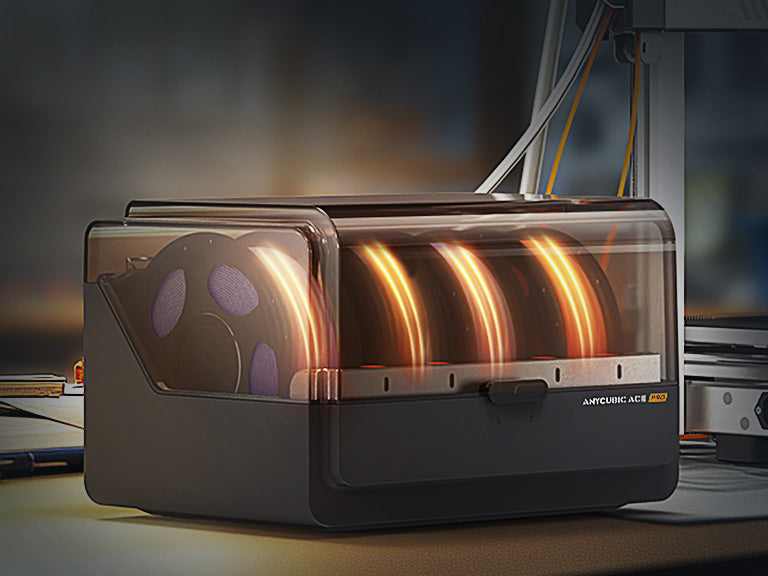
  • Filament Box with Drying Capability

  • Precise Auto-Leveling & Motor Anti-skip

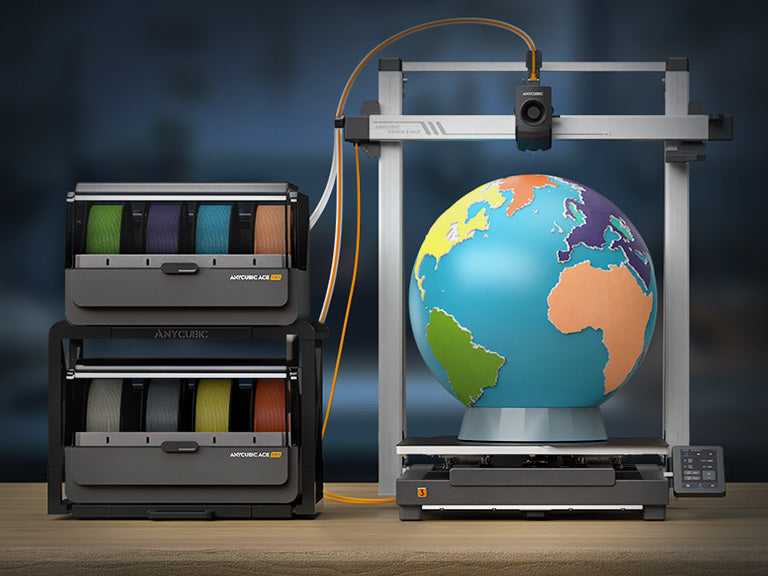
  • Latest ACE Pro Flawless 8-Color Printing

  • Extremely Easy to Use

ANYCUBIC-STORE
ANYCUBIC-STORE
ANYCUBIC-STORE

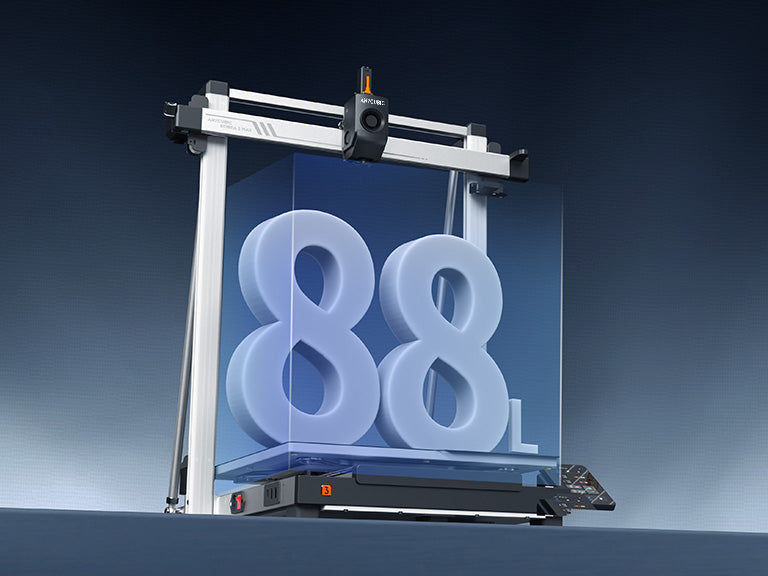
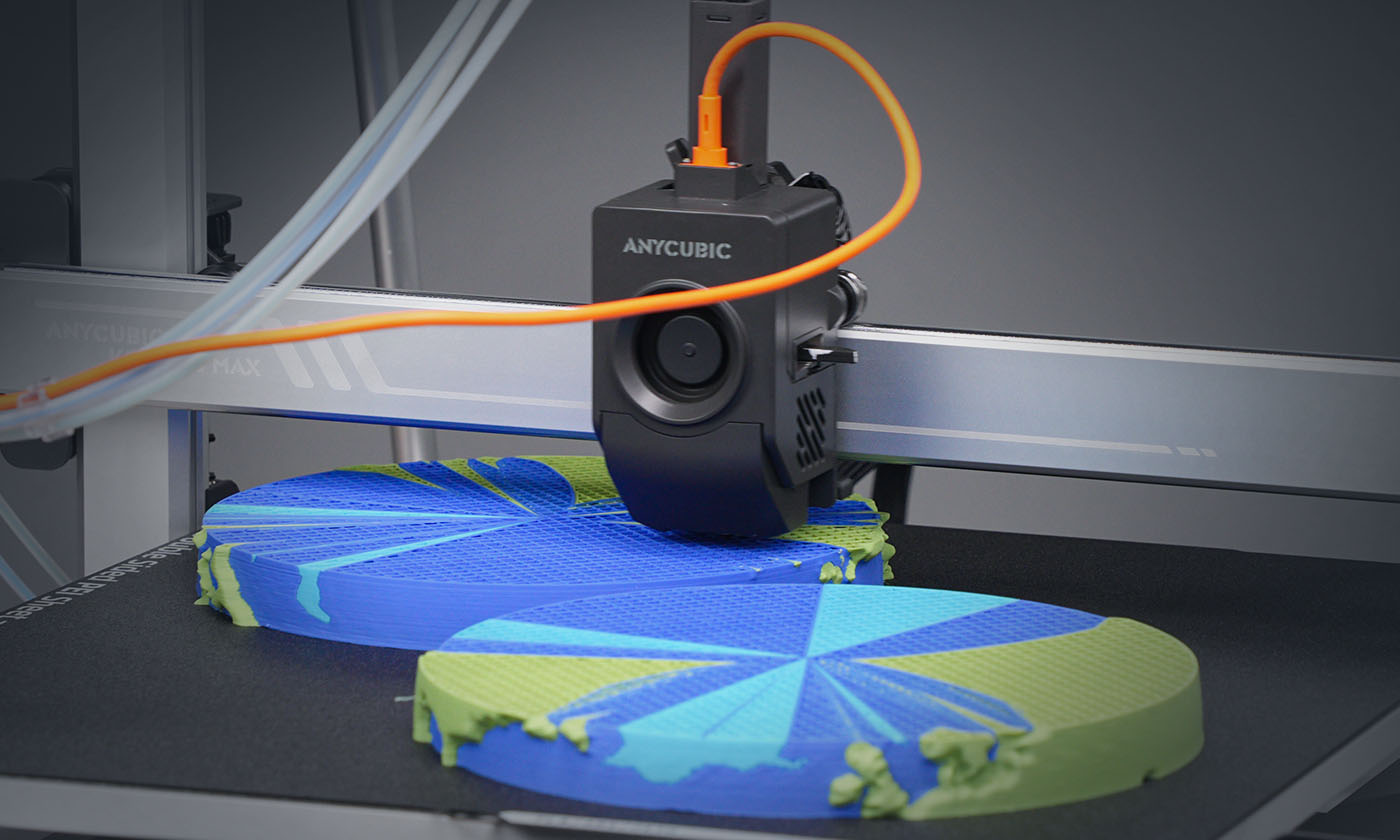
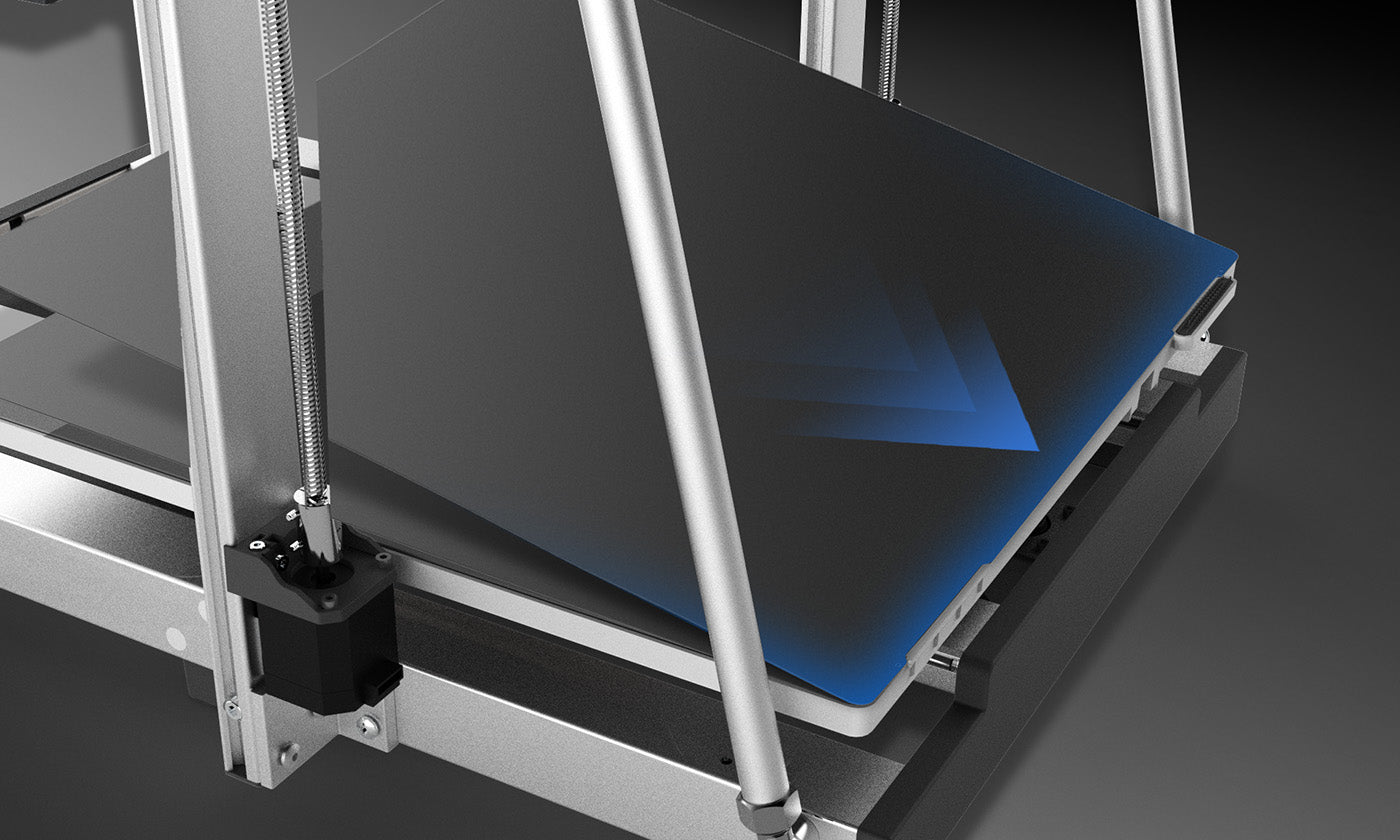
420*420*500mm³ Print Space > 2 Carry-on Suitcases

Ultra-Large Model in a Single Print

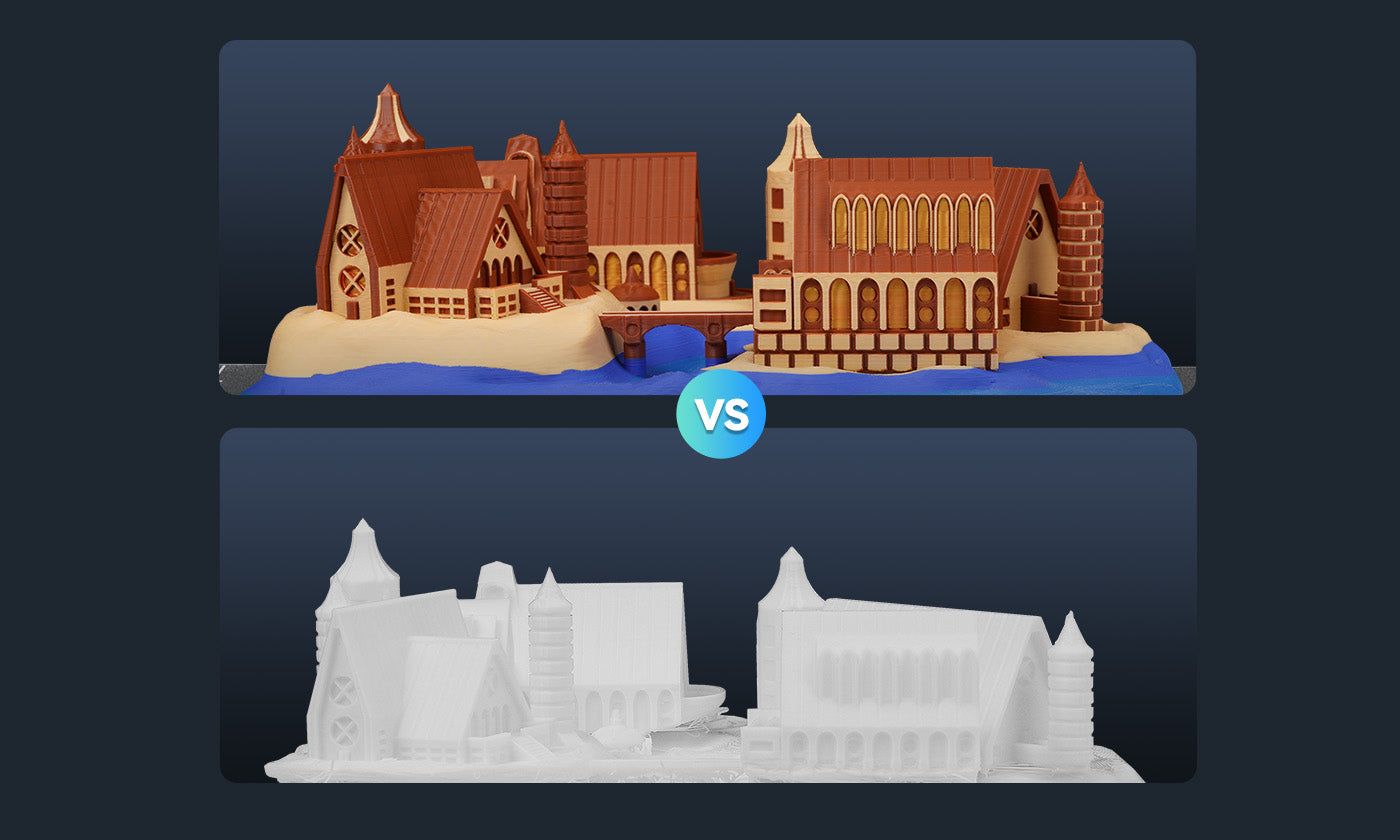
Reduce Filament Wastage during Mass Productions

Skip Objects Function Boosts Efficiency & Cuts Costs[1]

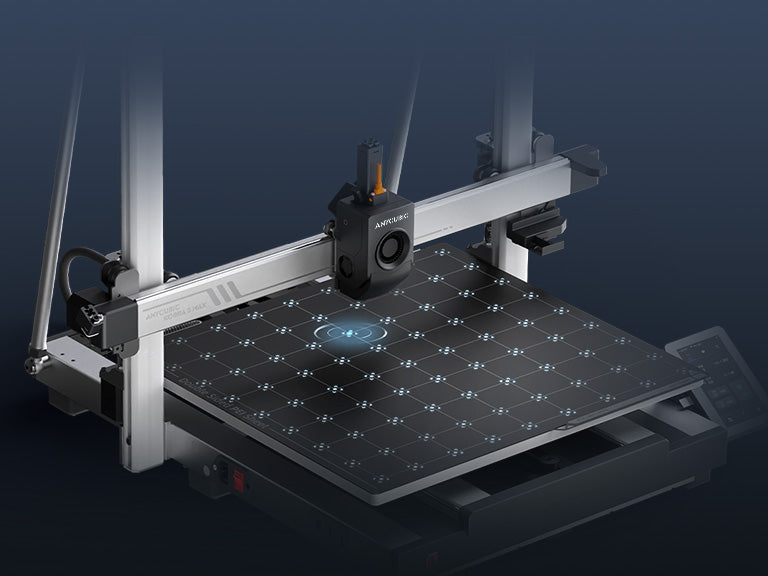
Auto-Leveling & Anti-Skip

ANYCUBIC-STOREANYCUBIC-STORE
LeviQ3.0 Auto-Leveling + Z-axis Offset
ANYCUBIC-STOREANYCUBIC-STORE
Dual-Y-axis Motor to Eliminate Layer Misalignment
ANYCUBIC-STOREANYCUBIC-STORE
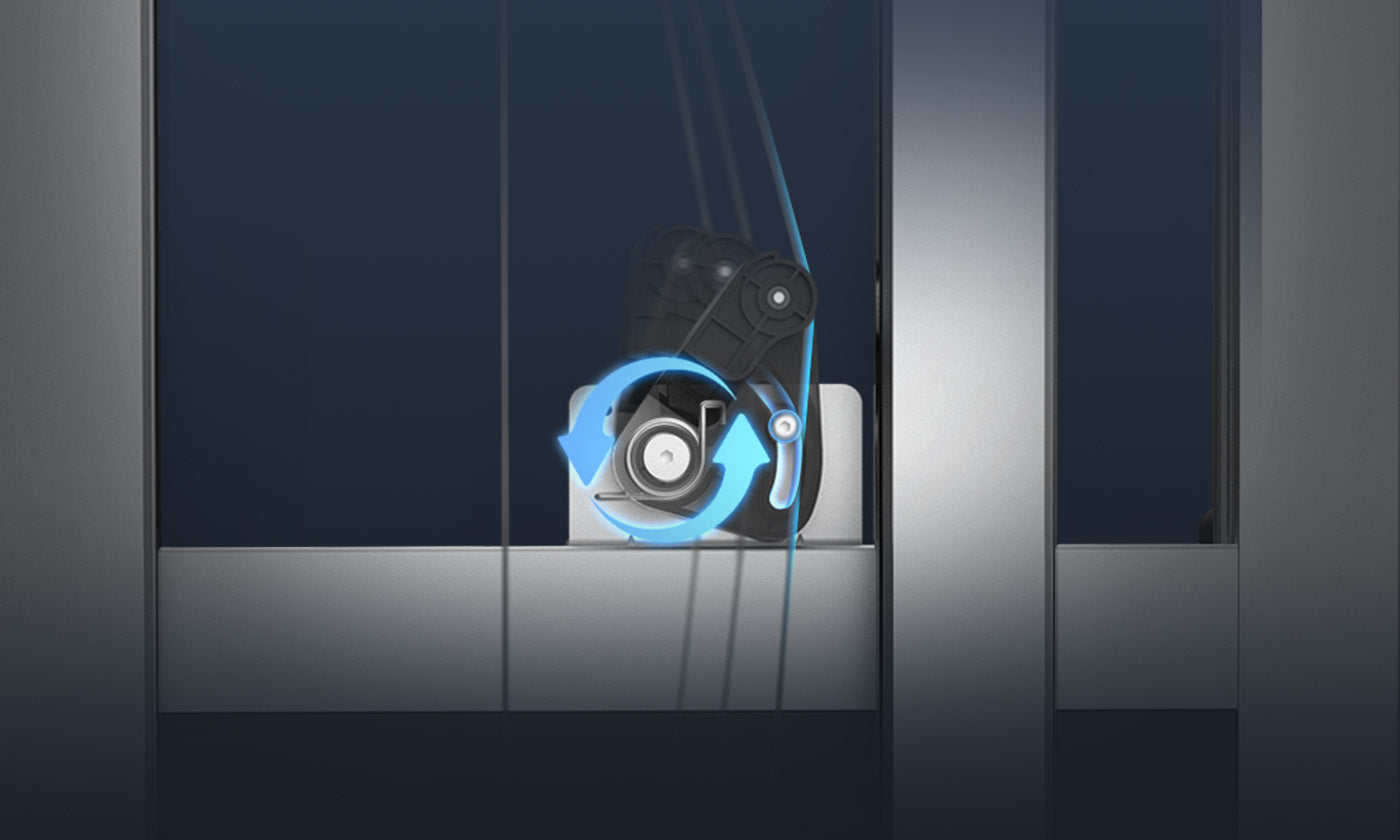
Anti-Skip Semi-Automatic Belt Tensioning
ANYCUBIC-STOREANYCUBIC-STORE
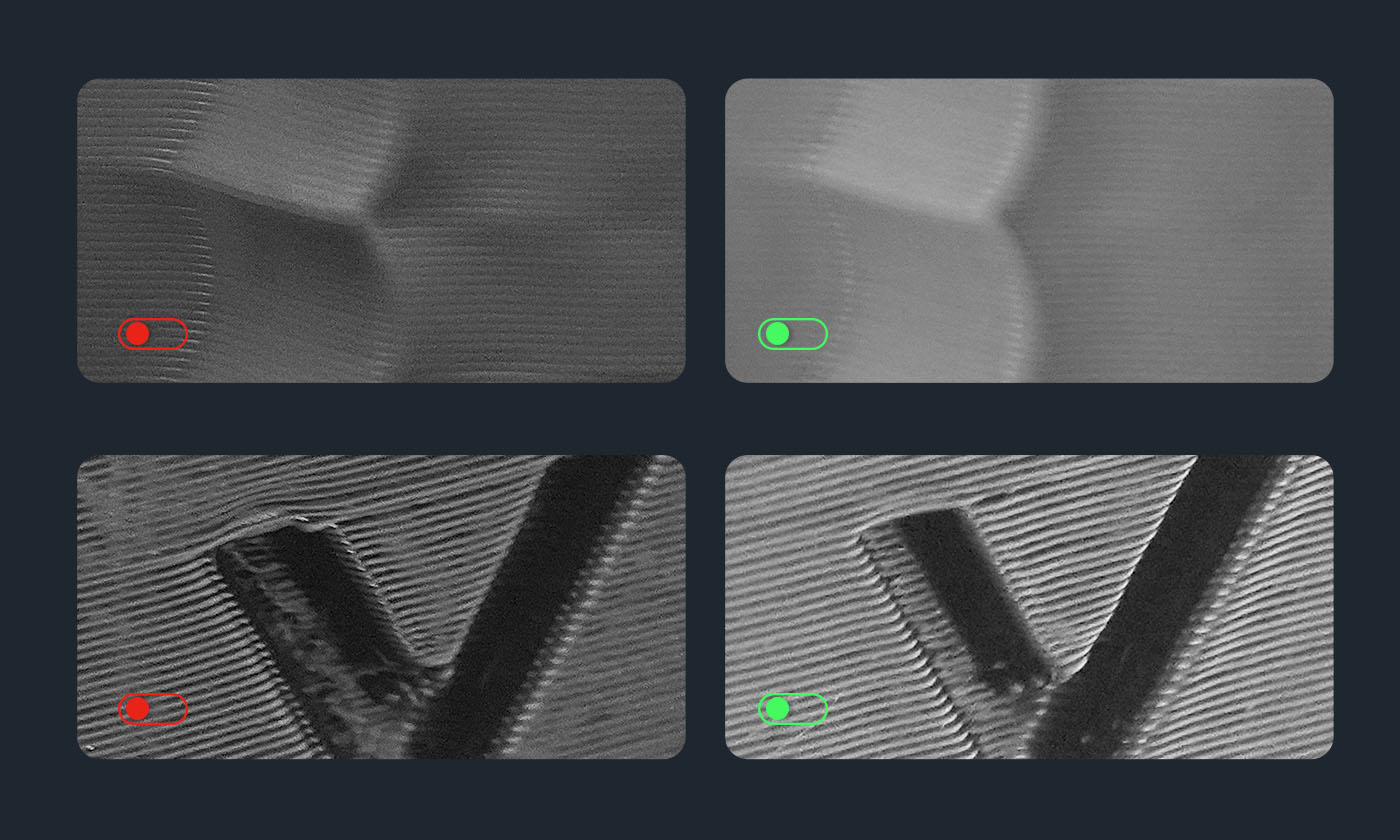
One-Click Resonance Compensation + Dynamic
ANYCUBIC-STOREANYCUBIC-STORE
Performance, to the Max
ANYCUBIC-STOREANYCUBIC-STORE
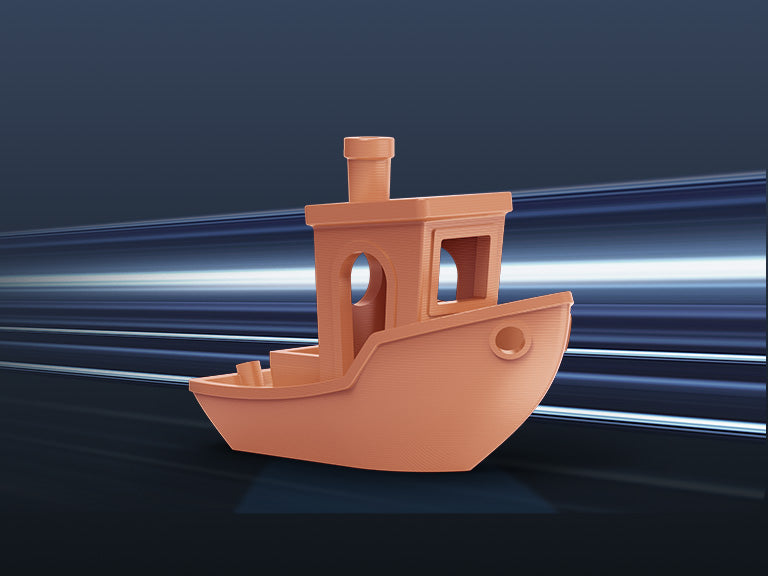
Maximum Print Speed of 600mm/s
ANYCUBIC-STOREANYCUBIC-STORE
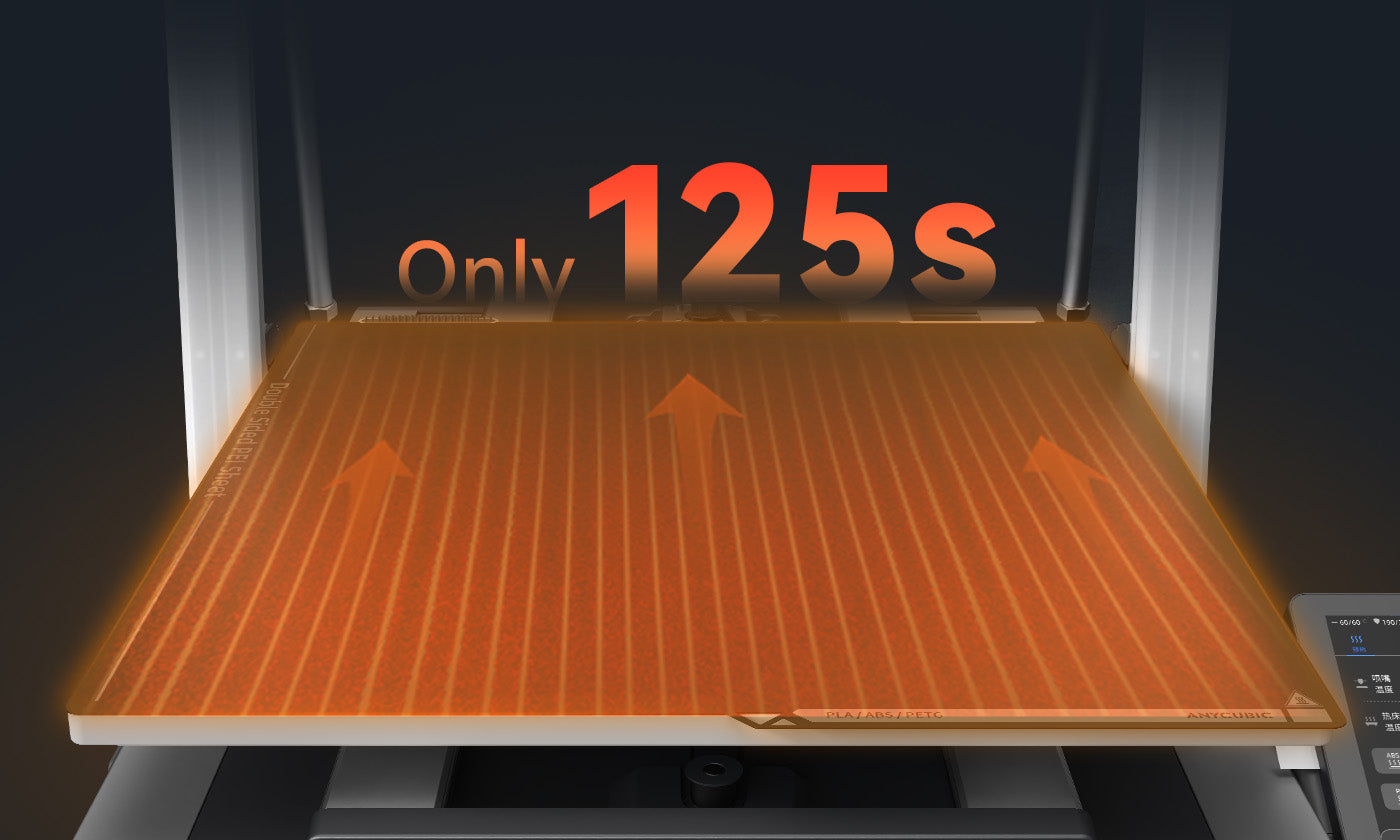
Ultra-Large Hotbed Heats up in Just 125s[4]
ANYCUBIC-STOREANYCUBIC-STORE
Improved Filament Cutter Location for more Efficient Cutting
ANYCUBIC-STOREANYCUBIC-STORE
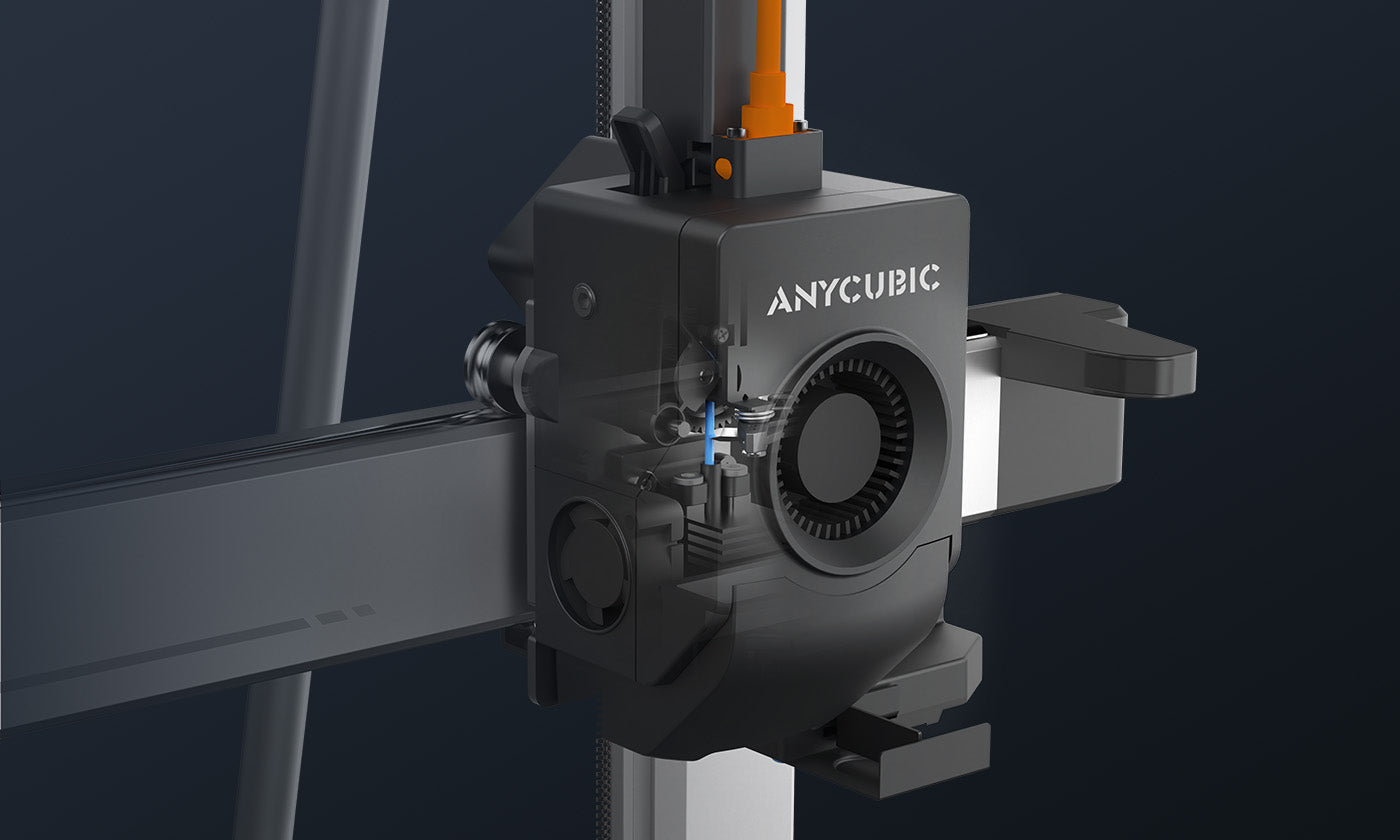
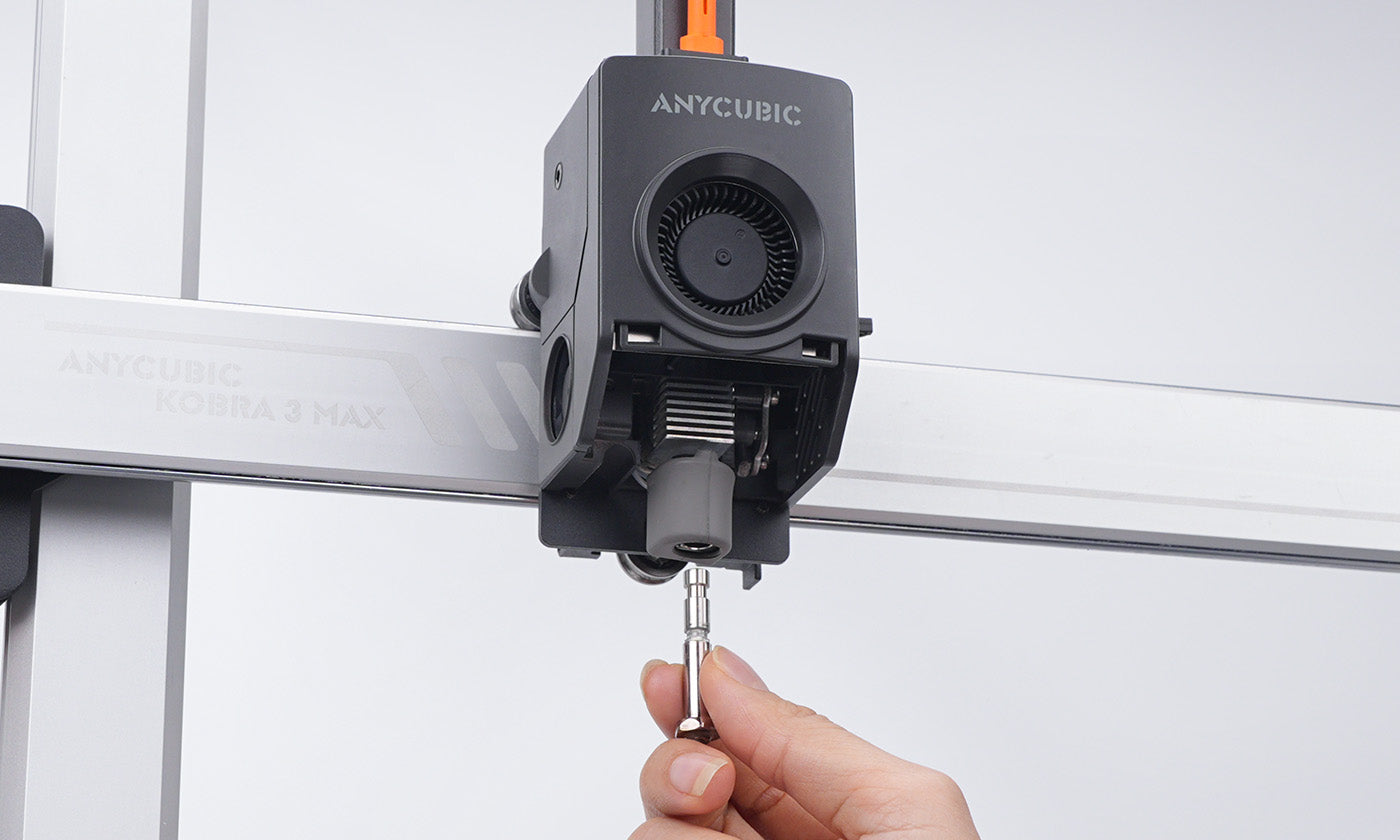
Quick-Release Hotend
ANYCUBIC-STOREANYCUBIC-STORE
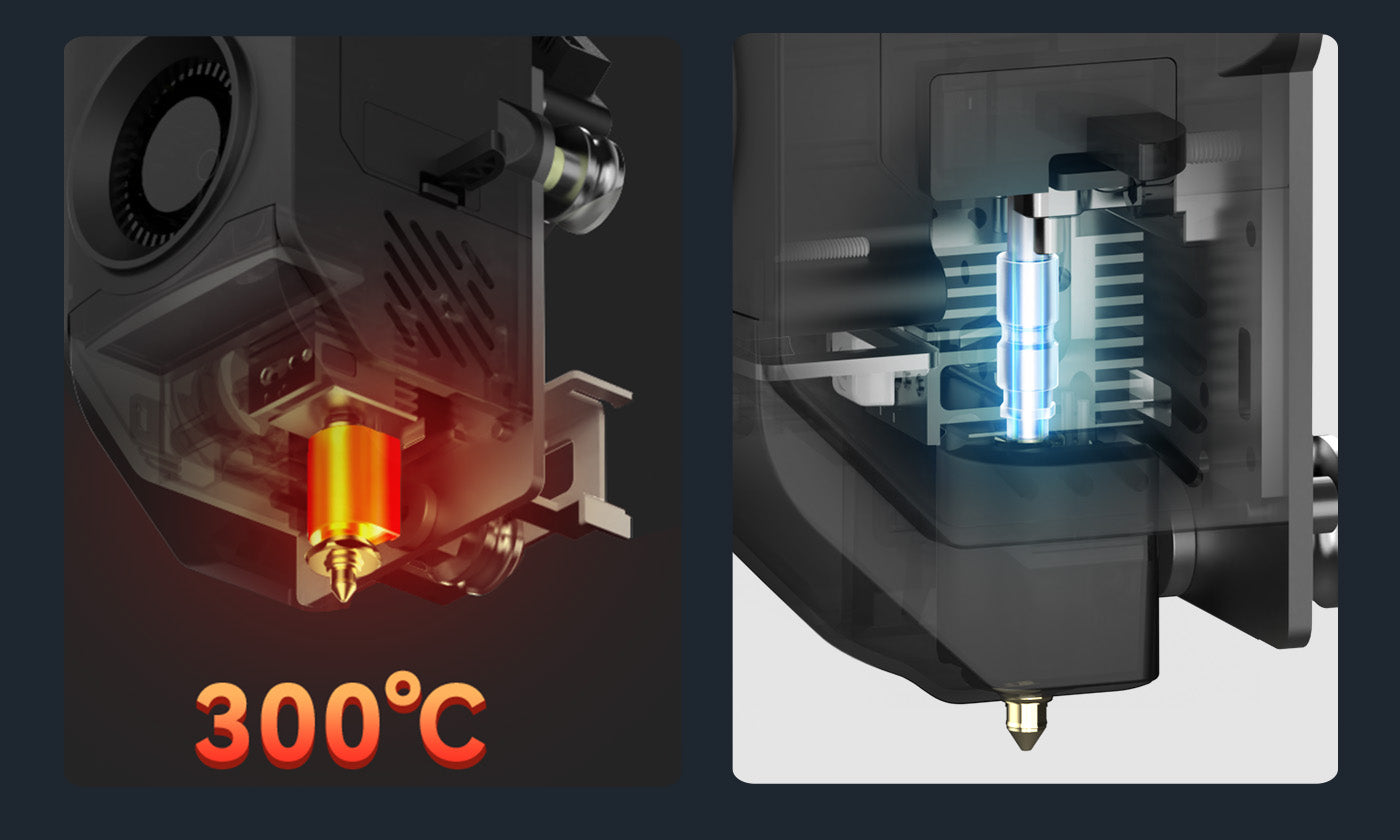
300℃ High-Temperature Hotend + Aerospace Grade Ceramic Composite Throat Tube
ANYCUBIC-STOREANYCUBIC-STORE
Dual-Spring Design
ANYCUBIC-STOREANYCUBIC-STORE
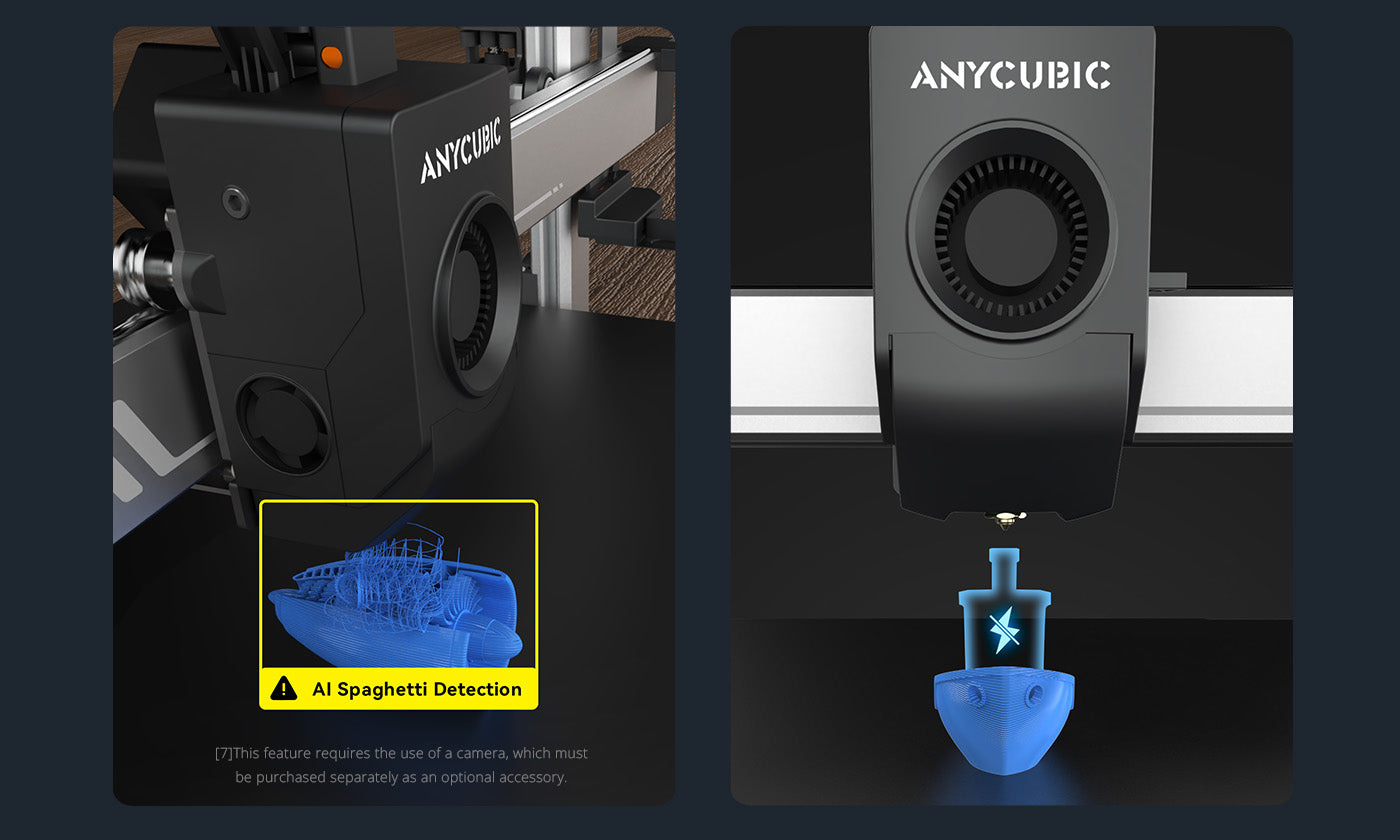
AI Spaghetti Detection[5]
ANYCUBIC-STOREANYCUBIC-STORE

The Anycubic Software Ecosystem

ANYCUBIC-STORE

Anycubic Slicer Next

Anycubic Slicer Next is built upon the open-source software Orca, tailored and optimized specifically for Anycubic printers. It incorporates advanced algorithms refined from various open-source iterations to elevate slicing precision and enhance the overall print quality of models.

Anycubic App

A mobile app specially designed for Anycubic printers, including remote control, remote monitoring, real-time printing records and other intelligent functions.
Specifications
Specifications Type 1

Multicolor printing

Supports 4- or 8-color printing

Printing volume

250*250*250mm

Supporting filaments

PLA, PETG, TPU[1], ABS, ASA

Print speed

600mm/s (Max.)

Recommended print speed

300mm/s

Recommended acceleration

10000mm/s²

Maximum acceleration

20000mm/s²

Machine dimension

Kobra S1: 400*410*490mm ACE Pro: 365.94*282.84*234.5mm

Package dimensions

S1C: 490*484*593mm, 25.9kg

Complete benchy in (according to official)

15min

Noise

Standard mode: as low as 46dB; Quiet mode: as low as 44dB

Nozzle temperature

320°C
Specifications Type 2

Hotbed temperature

120℃

Nozzle diameter

Standard 0.4mm
Supports 0.6/0.8mm expansion

Pressure advance / flow calibration

Supported

Construction

CoreXY
Specifications Type 3

Control screen

4.3-inch capacitive touch screen

Power-off resume printing

Supported

Filament detection

Supported

Camera

Included
What's In Box
ANYCUBIC-STOREANYCUBIC-STORE
Crane Frame
ANYCUBIC-STOREANYCUBIC-STORE
Ace Pro
ANYCUBIC-STOREANYCUBIC-STORE
Printhead
ANYCUBIC-STOREANYCUBIC-STORE
Touchscreen
ANYCUBIC-STOREANYCUBIC-STORE
Spool Holder
ANYCUBIC-STOREANYCUBIC-STORE
Printer Lower
ANYCUBIC-STOREANYCUBIC-STORE
Pouch 1- For Crane Installation
ANYCUBIC-STOREANYCUBIC-STORE
Pouch 2 - For Support Rod Installation
ANYCUBIC-STOREANYCUBIC-STORE
Pouch 3 - For Printhead Cable
ANYCUBIC-STOREANYCUBIC-STORE
Pouch 4 - For Printhead Installation
ANYCUBIC-STOREANYCUBIC-STORE
Pouch 5 - For Screen Installation
ANYCUBIC-STOREANYCUBIC-STORE
Pouch 6 - For Spool Holder Installation
ANYCUBIC-STOREANYCUBIC-STORE
Wrench (1 set)
ANYCUBIC-STOREANYCUBIC-STORE
Support Rod
ANYCUBIC-STOREANYCUBIC-STORE
Cable Holder
ANYCUBIC-STOREANYCUBIC-STORE
Power Cord (2pcs)
ANYCUBIC-STOREANYCUBIC-STORE
Filament Tube (5pcs)
ANYCUBIC-STOREANYCUBIC-STORE
Signal Cable (1pc)
ANYCUBIC-STOREANYCUBIC-STORE
Cable Organizer (6pcs)
ANYCUBIC-STOREANYCUBIC-STORE
Test Filament
ANYCUBIC-STOREANYCUBIC-STORE
4.0/3.0/2.5/2.0/1.5
ANYCUBIC-STOREANYCUBIC-STORE
U-DISK (1pc)
ANYCUBIC-STOREANYCUBIC-STORE
Nozzle Cleaner
ANYCUBIC-STOREANYCUBIC-STORE
Grease

User Manuals

Unboxing Video

Kobra 3 Max Series Tech Specs

Explore More Printers

FAQs


What do the [1][2][3][4][5][6][7][8] annotations in the product details mean?

The numbered annotations on the product page correspond to the following explanations:

[1] The Skip Object function is expected to be launched in Q1 2025.

[2] Two ACE Pro units need to be connected using the eight-color feed module.

[3] To achieve a smoother multicolor printing, please prioritize the use of plastic filament spools.

[4] Heating from 25°C to 60°C takes only 125 seconds.

[5] A camera is needed for this function.

[6] A camera is needed for this function.

[7] When selecting models on Makeronline, use a PC with Anycubic Slicer software pre-installed.

[8] The characteristics of TPU filaments make them only suitable for single-color, and they cannot be used together with ACE Pro for dual printing.

Can the Kobra 3 Max Combo use 3mm diameter filaments? What types of filaments can it print?

Kobra 3 Max Combo only supports 1.75mm diameter filaments. It can print PLA, PETG, ABS and TPU.

Does the Kobra 3 Max Combo support 1.75mm filament from other brands? Can the ACE Pro be used with filaments without intelligent identification?

You can use filaments from any brand or other filaments. The Kobra 3 Max only supports PLA series filaments, PETG, ABS, and TPU.The ACE Pro can precisely detect intelligent identification filaments, automatically optimizing printer settings for the best results. If users use filaments without intelligent identification, the ACE Pro will not automatically recognize the material and color.

What is the layer thickness of the Kobra 3 Max Combo?

The original nozzle is 0.4mm (replaceable with 0.6mm or 0.8mm nozzles), supporting a precision range of 0.05-0.3mm.

Can the Kobra 3 Max Combo connect to a computer for printing? Are there any system requirements for connecting to a computer?

Yes, it supports computer connection. While connected, Gcode files can be uploaded to the cloud server and pushed to the 3D printer via the cloud after slicing is completed. It supports Windows 10 and above.

How does the filament auto refill function work on the ACE Pro?

1. Materials with intelligent identification are automatically detected as the same material and color, requiring no operation (default automatic feeding).2. Manual settings for the same material and color also require no operation, defaulting to automatic feeding.3. Manual settings can require automatic feeding.

How many languages does the Kobra 3 Max Combo support?

The Kobra 3 Max Combo currently supports 9 languages: Chinese, English, German, French, Italian, Spanish, Russian, Japanese, and Korean.